Free tools that run in your browser
Pick a tool.
Keep the juice.
Transcripts, recordings, PDFs, images and video. No signup, no ads, no watermark, and the file tools never upload your files.
- TikTok Transcript Generator
Paste a TikTok link and get every word with timestamps. Copy it, search it, or download TXT, SRT or VTT.
Open - Media Transcriber
Audio and video files to text. Whisper runs in your browser, so the file is never uploaded.
Open - Screen Recorder
Record your screen, your camera or both. No watermark, saved straight to your device.
Open - PDF Tools
PDF to Word, Word to PDF, merge, split and export pages as images.
Open - Image Editor
Layers, selections, brushes, text and filters. Opens and saves PSD.
Open - Video Editor
Cut, split and trim clips on a timeline, edit audio separately, add text and export MP4.
Open
See all six tools in one walkthrough
A 13-minute tour of every tool on shinmuscat, recorded with our own screen recorder. It loads from YouTube only when you press play. Watch on YouTube
Pick up the rest
 How to Resize an Image Without Losing Quality
Resize an image without losing quality: shrink from the original, enlarge with care, sharpen gently and save in the right format. Free, on your device.
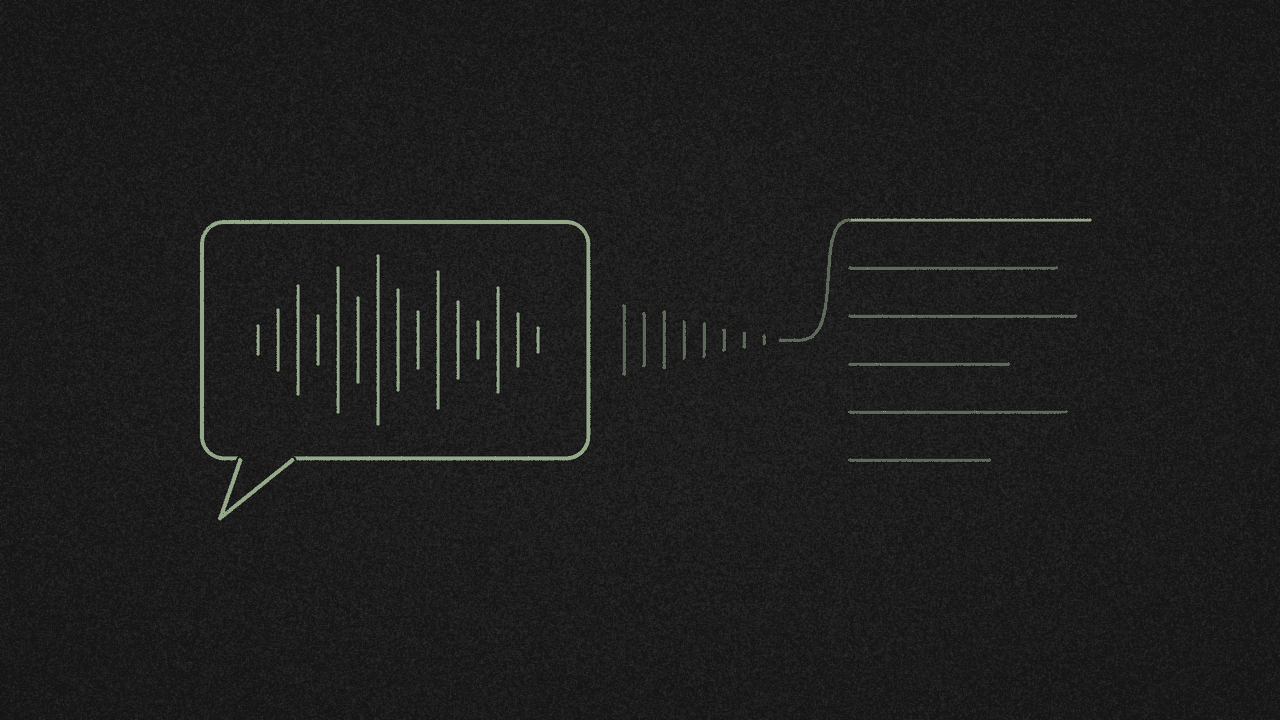 How to Transcribe a WhatsApp Voice Note to Text
Transcribe a WhatsApp voice note to text: try WhatsApp's own Transcribe first, or export the note and turn it into TXT, SRT or VTT free on your device.
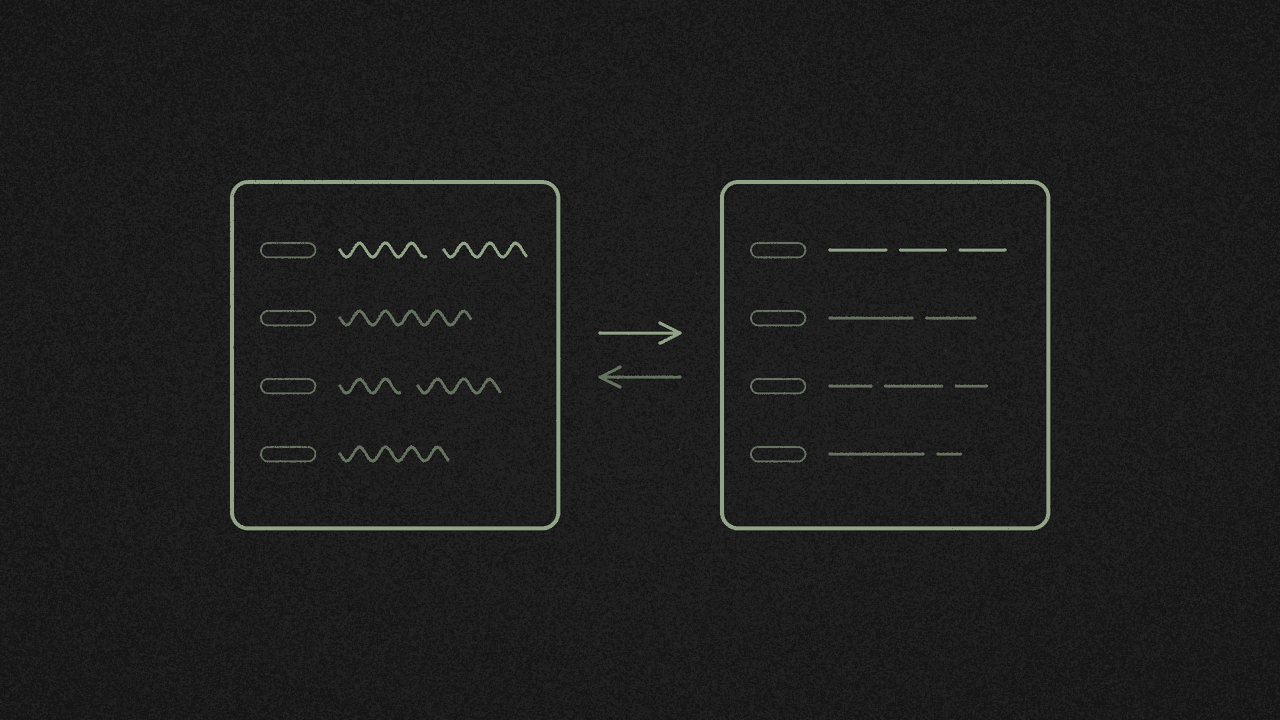 How to Translate a TikTok Video to English, Line by Line
Translate a TikTok video to English line by line: check whether TikTok already has an English caption track, then translate the SRT and keep the timings.
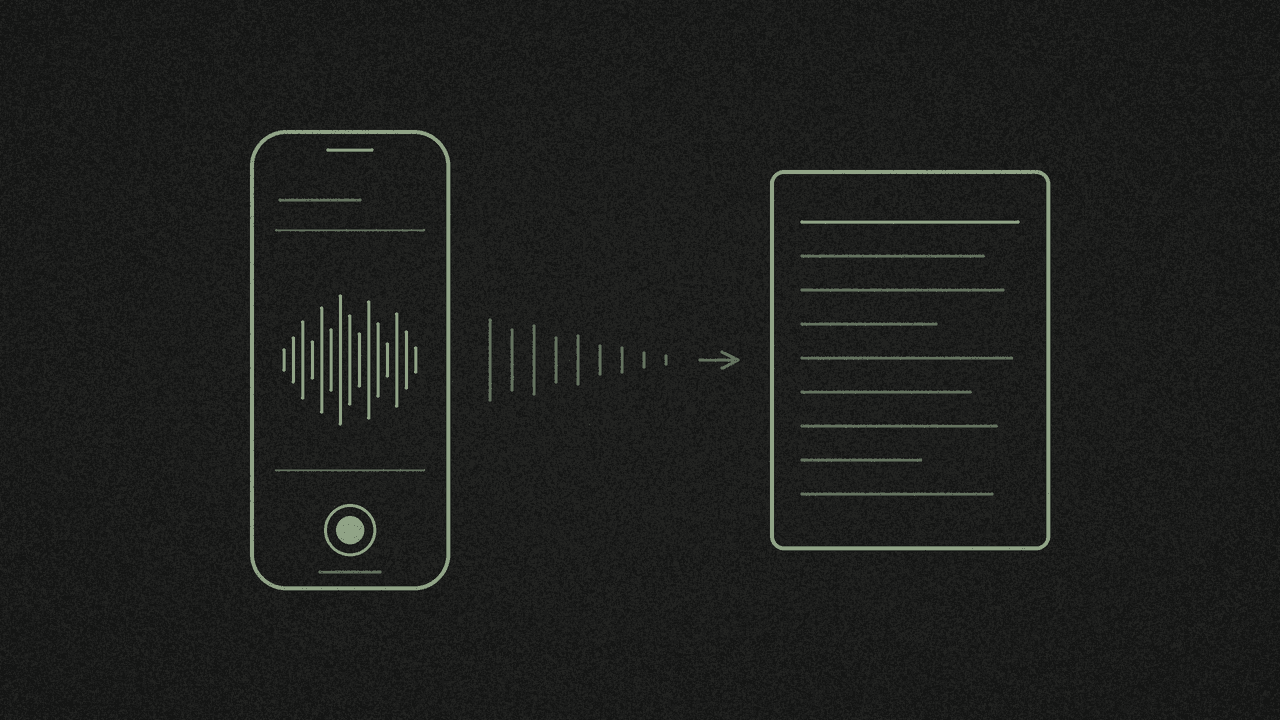 How to Transcribe a Voice Memo From Your iPhone for Free
Transcribe an iPhone voice memo for free: use Copy Transcript in Voice Memos if your iPhone supports it, or export the .m4a and get TXT, SRT or VTT.
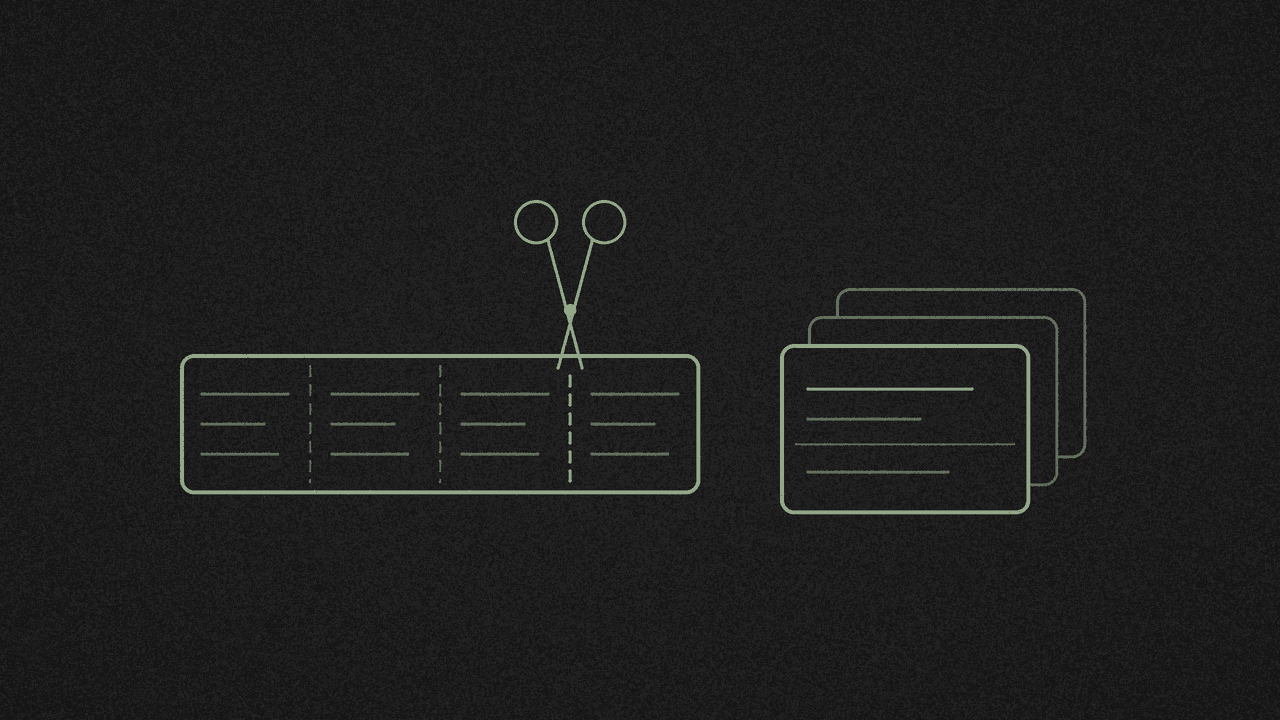 How to Make Flashcards From a TikTok Transcript
Turn a TikTok transcript into flashcards: copy the plain text, write question-and-answer pairs, then import a tab-separated file into Anki or Quizlet.
 TikTok to Obsidian: Evergreen Notes From Short Videos
Turn a TikTok transcript into evergreen notes in Obsidian: one source note per video, one idea per note, each linked back to the video it came from.
Frequently asked
What is shinmuscat?
A set of free tools that run in your web browser: a TikTok transcript generator, a media transcriber for your own audio and video files, a screen recorder, PDF tools, an image editor and a video editor. There is nothing to install and no account to make.
Why are all the tools free?
Because they cost almost nothing to run. Most of them work directly in your browser, on your own device, so there is no server doing the work and no bill that grows with every person who uses them. We also got fed up with "free" tools that come bundled with malware, make you log in, or stop working after three uses. shinmuscat started as tools we built to fix our own problems, and we share them with everyone. No paid plan, no signup, no ads, no watermark. There is an optional tip jar if one of them saved you time.
Are my files uploaded anywhere?
Not for the file tools. The media transcriber, screen recorder, PDF tools, image editor and video editor all run on your device, so your files never leave your computer or phone. The TikTok transcript tool is the one exception: the link you paste goes to our server, which reads the video's public captions. The link and transcript are handled in memory and never stored.
Do I need an account?
No. None of the tools ask you to sign up or log in, and the TikTok tool never asks for your TikTok credentials. Your recent TikTok transcripts are saved in your own browser so you can reopen them.
How do I get the transcript of a TikTok video?
Open the video in TikTok, tap Share, then Copy link. Paste that link into the TikTok transcript generator and press Pick every word. The full transcript appears with timestamps in a few seconds, ready to copy or download as TXT, SRT or VTT. It reads the video's own captions, so a video with no captions will not work.
Can I transcribe my own audio or video file?
Yes. The media transcriber turns MP3, MP4, MOV, MKV, WebM, M4A, WAV, OGG and FLAC files into a timestamped transcript. A speech model (Whisper) runs in your browser, so the file is never uploaded, and there is no length limit.
Can I record my screen?
Yes. The screen recorder records your screen, your camera or both, with your microphone and computer sound, and saves the video to your device with no watermark. It can also transcribe the recording without uploading anything. Screen recording needs a desktop browser.
Can I convert a PDF to Word, or Word to PDF?
Yes. The PDF tools convert PDF to Word and Word (.docx) to PDF, keeping fonts, colours, images and tables, and can also view and split PDFs, merge PDF, JPG and PNG files into one PDF, or export pages as images. There is no OCR, so scanned pages come across as pictures.
Is there a free Photoshop-style editor?
Yes. The image editor has layers with blend modes, selections including an AI Select Subject, brushes, clone stamp, text, adjustments and filters. It opens and saves layered PSD files as well as PNG, JPG and WebP.
Why do some tools download something the first time?
The media transcriber, the screen recorder's transcript option and the image editor's Select Subject run AI models on your device. Your browser downloads the model from Hugging Face and the code that runs it from jsDelivr, then keeps them for next time. Nothing from your files is sent anywhere.
Does it work on my phone?
Mostly. The TikTok transcript generator, media transcriber, PDF tools and image editor work in a recent phone browser. Screen recording needs a desktop browser, because phones do not let websites capture the screen. Long files and big images are faster on a computer.
Why doesn't the TikTok tool support YouTube Shorts or Instagram Reels?
Because supporting them would mean the site could not stay free. TikTok publishes a caption file with every video, so shinmuscat only has to read it. Instagram Reels have no caption file, so the audio would need a paid speech-to-text service. YouTube blocks caption requests from any server, so Shorts would need a paid proxy or API. Either cost would end up as a paid plan, a signup wall or ads. To transcribe a YouTube or Instagram video, the best way is to download the video and drop the file into the media transcriber, which runs free in your browser.
Who makes shinmuscat?
Gerald Ho of Axecute, as an independent one-person project. It is not affiliated with or endorsed by TikTok, ByteDance, Adobe or any other company whose file formats it supports.