How to Make Flashcards From a TikTok Transcript
Turn a TikTok transcript into flashcards: copy the plain text, write question-and-answer pairs, then import a tab-separated file into Anki or Quizlet.
A TikTok explained something you want to remember. Watching it again feels like studying, but testing yourself works better. A flashcard does that: a question on the front, the answer on the back.
shinmuscat has no flashcard feature. It gets you the words. You write the cards and import them into Anki or Quizlet yourself.
Why test yourself instead of rewatching
Roediger and Karpicke found that "taking a memory test not only assesses what one knows, but also enhances later retention, a phenomenon known as the testing effect." Their students studied prose passages. On a test 5 minutes later, rereading did better. On tests days later, "prior testing produced substantially greater retention than studying, even though repeated studying increased students' confidence in their ability to remember the material."
Timing matters too. A review by Cepeda and colleagues pooled "839 assessments of distributed practice in 317 experiments" and found that the best gap between study sessions grew as the time you need to remember grew. Put simply, if the test is far off, space your reviews further apart.
1. Get the words out of the video
Copy the Share link of a public TikTok, paste it into the TikTok script extractor and press Pick every word. Then press Copy, or download a TikTok transcript as TXT. Both give the same plain text: no timestamps, and each caption line on its own with a blank line between them.
Skip SRT and VTT for this. They add cue numbers and timestamps you would have to delete by hand.
shinmuscat reads the video's own captions, not the audio. It works on public TikTok videos up to 60 minutes long that have captions.
2. Check the lines before they become cards
Under every transcript, the tool says: "Captions can miss a word or a name. Check the video before quoting." Replay anything with a name, a number or slang in it. A wrong number on a card is one you will drill into memory. Hand-edit shaky lines with fix garbled words in a TikTok transcript.
3. Pick what is worth remembering
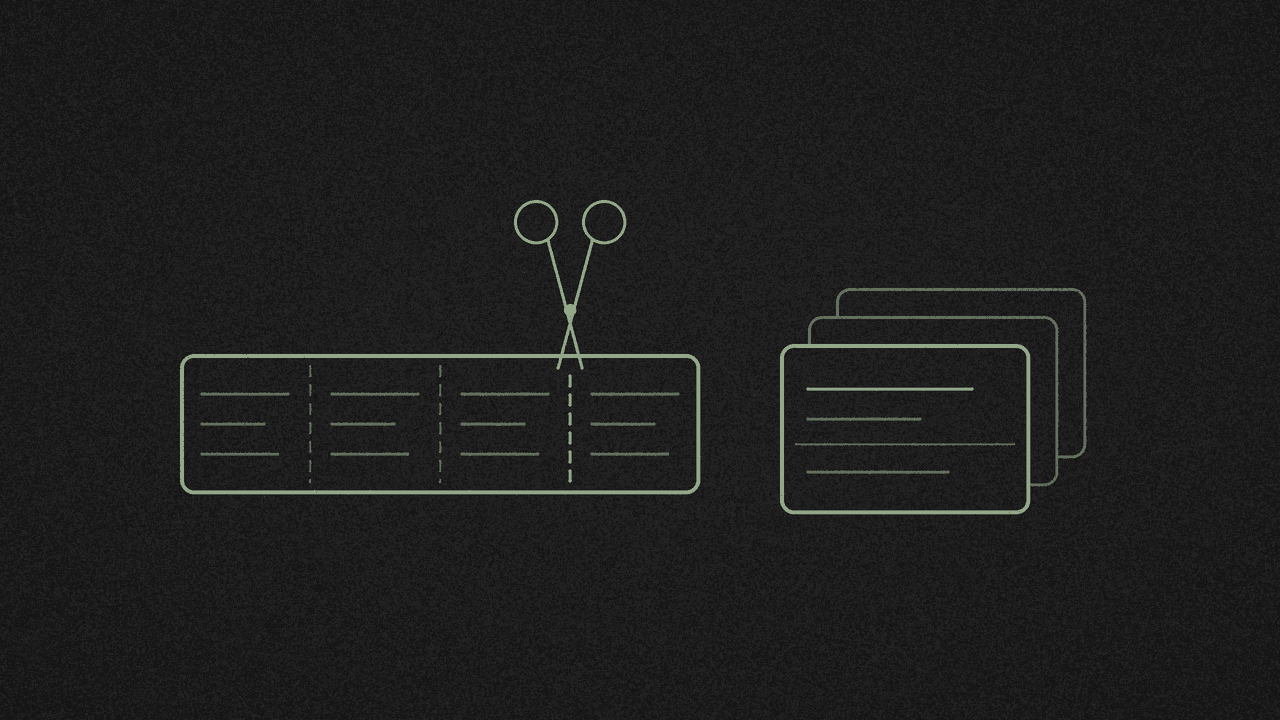
The transcript is source material, not a deck. Each line is a fragment of speech, not a question with an answer, so importing it as it stands gives you cards with nothing on the back.
Read it through and mark the claims, definitions, steps and numbers you want to keep. A short clip may only give you a handful. Keep one idea per card.
4. Write questions you answer from memory
Put a question on the front, not a term. "Testing effect" on its own only asks you to recognise it. "What did Roediger and Karpicke call the memory boost from taking a test?" makes you pull up the answer.
If an AI tool drafts the pairs for you, check every answer against the transcript and the video before it goes in the deck. AI can get facts wrong, and a card repeats the mistake every time you review it.
Want a term bank instead, with a term, a definition and a source video? Build a glossary from creator TikToks.
5. Format the import file
Anki and Quizlet both accept one card per line, with the question and answer separated by a tab. Press the Tab key. Spaces will not work.
Anki
The Anki manual says the file "must be plain text (myfile.txt)" in UTF-8. Anki 2.1.54 and later also read header lines at the top of the file, so you can set the separator yourself rather than leave Anki to guess:
#separator:Tab
#html:false
What did Roediger and Karpicke call the memory boost from taking a test?	The testing effect
On a test 5 minutes later, which did better: rereading or testing?	Rereading
Three things to know:
- If a field contains a tab or a line break, wrap the whole field in double quotes. A double quote inside a field becomes two double quotes.
- Anki uses the first field to decide whether a note is a duplicate. By default, a new card with the same question updates the old one, so keep each question unique.
- To show where a card came from, add the creator or link at the end of the answer.
Quizlet
Quizlet's import help page says to "separate terms and definitions with a comma, tab, or dash" and to "separate rows with a semicolon or a new line." Captions are full of commas and dashes, so use a tab between the question and answer and a new line between cards. Each row becomes one card.
6. Import, then review over several days
Anki (desktop): click File, then Import, and pick your .txt file. Check the separator in the preview, map Field 1 to Front and Field 2 to Back, choose a deck and import.
Quizlet: import works on the website only. Select Create, then Flashcard set, then Import. Paste your lines, set the language for your terms and definitions, and select Create. You can then study the set in the Quizlet app.
Then review in short sessions spread over several days rather than one long cram.
Limits
- TikTok only. Public videos up to 60 minutes long that have captions.
- Reads captions, not audio.
- Copy and TXT give plain text with no timestamps.
- No flashcard feature and no Anki or Quizlet export. You write and import the cards yourself.
- One link at a time.
- Independent tool. Not affiliated with TikTok, ByteDance, Anki or Quizlet.
Next step
Open the free TikTok script extractor, paste a public captioned link, and copy the words your first cards will come from.
Try it on your own video
Paste a TikTok link and get the full transcript in seconds.