Build a Glossary From Creator TikToks
Build a personal glossary from creator TikToks: extract the caption track, collect term + definition + source by hand, verify garbled slang, then cite if you share.
Niche creators reuse jargon the feed never defines. Scrubbing clips to remember what a word meant in that video is a poor glossary workflow. If a public TikTok has captions, pull the caption track into text, then build a personal term bank by hand.
Extract the caption track
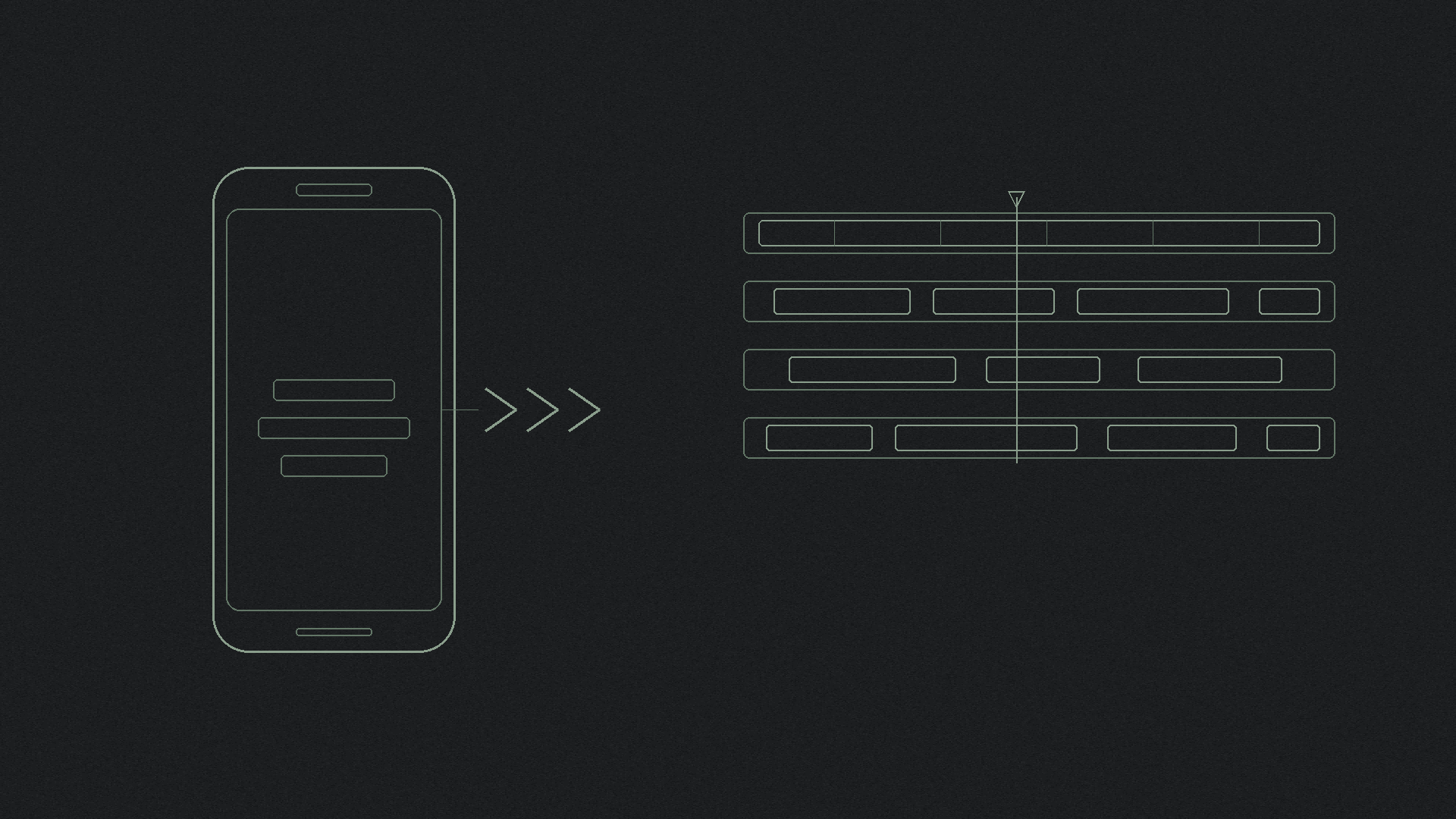
Paste a public Share link into the free TikTok script extractor, or into shinmuscat on the homepage. For a file you can skim in a notes app or sheet, download a TikTok transcript as TXT (or use the transcript downloader). On the script page, use Find to hunt one recurring word across the clip.
shinmuscat reads the video's own captions. It does not listen to the audio, and it does not invent speech when captions are missing. It also does not auto-build a glossary or extract terms with NLP. Private videos and caption-free videos fail. Limits on the live product: TikTok only, public, captions required, up to 60 minutes, free, no login.
If there is no track to read, see what to do when a TikTok has no captions.
Collect term cards by hand
In your own notes (a doc, Notion, or a sheet), add cards with three fields: term, definition in your words, and source video (creator plus link or date). Spot words that recur across a creator's niche clips. Paste one Share link at a time; there is no multi-video batch API on shinmuscat.
This is different from study notes from short TikTok videos (essay and seminar notes) and from a team training library (full transcripts and summaries for colleagues). Today is dictionary cards of niche jargon.
Verify before the spelling sticks
Auto captions garble names, slang, and sound-alikes. Replay the clip before a misspelling becomes your "official" entry. Hand-edit shaky lines with how to fix garbled words in a TikTok transcript.
Cite when a definition leaves your notes
If you publish or share a definition that relies on a creator's wording, credit the video. Do not invent APA, MLA, or Chicago formats here. Follow how to cite a TikTok video.
Glossary workflow in one pass
- Copy a public Share link for a captioned TikTok.
- Paste it into the script extractor, or download TXT for your glossary doc.
- Skim or Find recurring jargon; write term + definition + source in your notes.
- Replay shaky spellings; fix them before the card sticks.
- Cite the video when a definition leaves private notes.
Next step
Open the free TikTok script extractor, paste a public captioned link, and start a personal glossary from the caption track rather than from memory.
Try it on your own video
Paste a TikTok link and get the full transcript in seconds.