Summarise an X Video With AI From Its Transcript
Paste an X video's caption file into ChatGPT for a timestamped summary. Ours got every time and number right, and kept a misheard name. How to check yours.
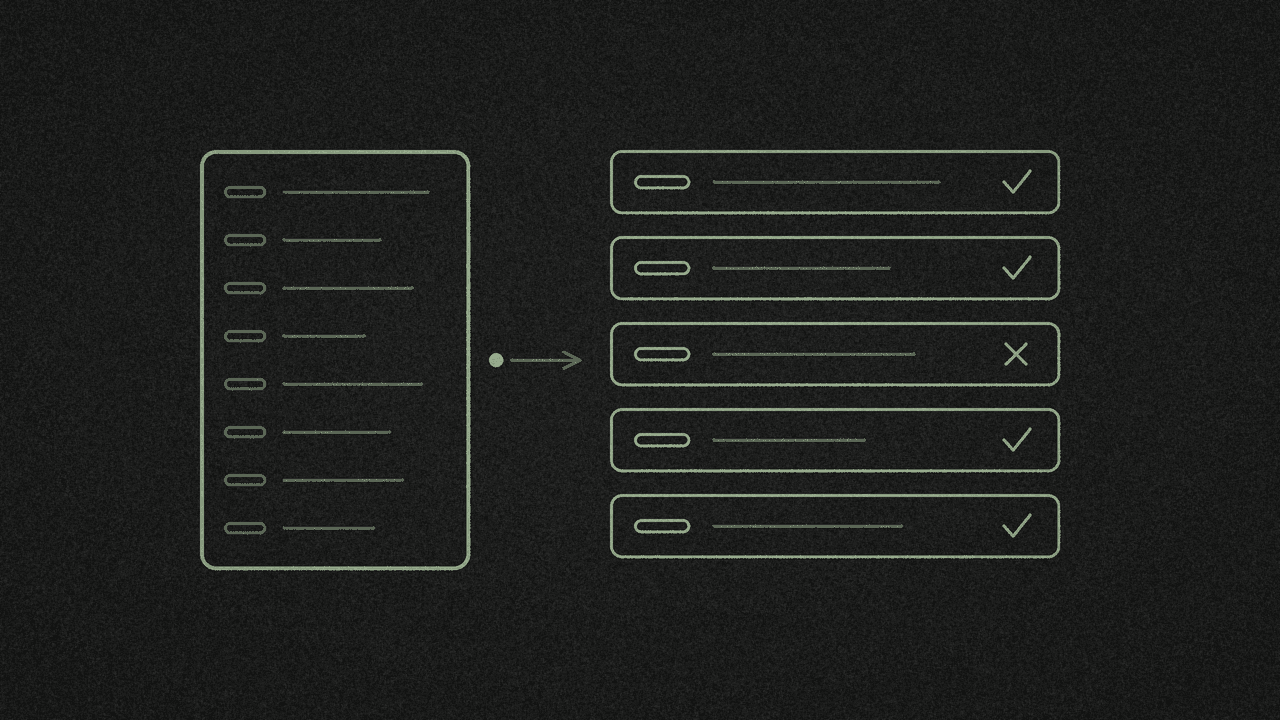
To summarise an X video, get its caption file, paste it into a chat AI with a strict prompt, then check each bullet against the line it came from. The checking matters because a summary repeats what the captions say, mistakes included.
On 16 November we gave logged-out ChatGPT the captions of a 2:26 NASA Minute from NASASpox and asked for 5 timestamped bullet points. What we found:
- Every time range and number was right. All 5 ranges started and ended on real caption lines. "twelve" became 12, "one million dollar" became $1 million, and December 3, 2028, 378 days and September 2027 all matched.
- It kept a misheard name. The captions say NASA's "Chappie" habitat. NASA's post text spells it CHAPEA. ChatGPT wrote "Chappie", because we told it to use only what was said.
- It changed three bits of wording. The speaker said "flybys" and the summary says "manoeuvres". The speaker said "X-plane" and the summary says "experimental aircraft". The speaker said "KSC" and the summary says "Kennedy Space Center".
- X's language tag can be wrong. An Al Jazeera English clip has a caption track tagged
en (auto-generated), and every line in it is Czech. - Copy has no times. Copy gives plain text with no timestamps, even with Timestamps on. Download the SRT if you want times in your summary.
- A summary passes on claims as they were said. WHO's 55-second diabetes clip lists the same symptoms as WHO's own fact sheet. Its two percentages don't appear on that fact sheet page.
shinmuscat has no AI built in. You paste the transcript into a chat AI yourself, and the text leaves your device only when you paste it. This post uses videos that already have X captions.
Step 1: Get the caption file
Paste the post link into YOUR X LINK in the X video transcriber and press Pick every word. It's free and needs no shinmuscat account. The result card should say Original X captions.
Pick the format before you paste:
- For a summary with times, open Download ▾ and pick SubRip subtitles .srt. Open the file in a text editor and copy all of it.
- For a summary without times, press Copy. You get plain text with no timestamps, even when the Timestamps switch is on.
The SRT is about twice as long. For a 4.5-minute clip it was 8,816 characters against 4,333 as plain text. A 51-minute interview runs to 10,406 words: 58,610 characters as text and 115,464 as SRT.
Step 2: Check the language line first
The result shows the length, the word count and a language, like "2:26 · 378 words · English". The language comes from X's tag on the caption track, and X can get it wrong.
That Al Jazeera English clip shows how. X tags its track en (auto-generated), so the tag says English. Every one of its 15 lines is Czech, and the first one doesn't start until 0:31. Read the first few lines before you prompt, so you know what language you're summarising.
Step 3: Paste it into ChatGPT with this prompt
Open ChatGPT in a private window. In a normal window we got a stale "Your session has expired" pop-up. The private window worked logged out, and the header said only "ChatGPT", with no model name.
Logged out, ChatGPT asks you to log in before you upload a file, so paste the SRT text under the prompt. This is the prompt we used, word for word:
Summarise this X video transcript in 5 bullet points. Use only what is said in the transcript, add the timestamp for each point, and don't add any facts that aren't said.
Here's what logged-out ChatGPT sent back, word for word, spelling included:
- 00:00-00:28: Thousands gathered at Kennedy Space Center for Max Power, a weekend of air shows and technology demonstrations celebrating American leadership in air and space. NASA also announced major plans for the future of space exploration and aviation.
- 00:29-00:55: NASA announced new awards and selections involving 12 companies to advance America's moon base, including development of the nuclear-powered Promise rover. It also opened applications for its next astronaut class through December 3 and launched a $1 million student competition to develop moon-base technologies.
- 00:56-01:14: NASA unveiled the X-70 Fractal experimental aircraft to advance maneuverability and flight control technology. It also announced CAPE Week, a new annual aerospace and technology expo coming to Kennedy Space Center in 2028.
- 01:22-01:43: Four volunteers completed a year-long simulated Mars mission, emerging from NASA's Chappie habitat in Houston after 378 days of isolation. They practiced growing food, managing resources and conducting simulated Mars missions to help NASA understand how astronauts will live and work on other worlds.
- 01:44-02:10: NASA's twin Escapade spacecraft successfully flew past Earth, using its gravity and carefully timed engine burns to begin their journey to Mars. The successful manoeuvres marked a NASA first, with both spacecraft scheduled to arrive in September 2027 to study how the Sun affects Mars' atmosphere and space environment.
It reads well. Now check it.
Step 4: Check each bullet against its line
We checked about 25 facts in those 5 bullets against the 58 caption lines.
What held up. It invented no facts and no numbers. "Four volunteers", "year-long" and "NASA first" are all things the speaker said.
The misheard name. Line 37 of X's auto captions says "Chappie". NASA's post text and NASA's own page spell it CHAPEA. ChatGPT had no reason to fix it, since the prompt said to use only what was said. If you publish this summary, you publish the caption's mistake.
The three wording changes.
- Line 49 says "The successful flybys mark a NASA first". The summary says "manoeuvres".
- Line 24 says "We're expanding our X-plane portfolio". The speaker never says "experimental aircraft".
- Line 30 says "coming to KSC in 2028". ChatGPT expanded KSC to Kennedy Space Center. That's correct, though the speaker said "KSC".
Names nobody checked. "Promise rover" and "CAPE Week" match the captions. We haven't checked either against NASA, so either could be misheard too.
Gaps. It skipped 0:00 to 0:08, 1:15 to 1:21 and 2:11 to 2:18. Those are the intro, an "Are you inspired yet?" line and the outro, with no facts in them. The last 7 seconds have no captions at all.
Mixed spelling. One answer has "practiced", "maneuverability" and "manoeuvres". Fix the spelling to your own style before you post it.
To check a bullet yourself, type a word from it into Find a word or phrase in the transcriber. Only matching lines stay. Click the time next to one and the video jumps there and plays. Try "Chappie": it finds 1:27. For a fuller walk-through, see how to find the exact moment someone said it in an X video.
Check figures before you repeat them
A summary tells you what the video said. Whether it's true is a separate check.
WHO's 55-second clip on diabetes says "More than forty percent of people living with diabetes are not diagnosed" and "up to fifty percent of people with type two diabetes already have developed complication" by diagnosis. Its symptom list matches the WHO diabetes fact sheet. We couldn't find either percentage on that fact sheet page on 16 November. Find a source that states them before you quote them.
Auto captions also have holes. An Al Jazeera clip has the line "it's basically...made for the Saudi-backed Yemeni government" at 0:59. Ask the AI to flag lines like that rather than fill them in. We haven't tested that prompt on this clip. UC Berkeley's caption support guide also says auto-generated captions need a human review.
Limits
- Captions only. We screened 31 X posts on 16 November and 10 had a caption track. C-SPAN had 0 of 8 and the All-In podcast 0 of 5. X's help page on how to share and watch videos on X notes that not every video has captions.
- Speech only. Captions hold what was said. On-screen text and pictures aren't in the transcript, so they aren't in the summary.
- Up to 60 minutes. An 82-minute interview came back with "Choose a video that's 60 minutes or shorter."
- One run. This was one 2:26 video. Check every summary you make.
Next step
Paste a captioned X video into the X video transcriber, download the SRT and run the prompt above. Need it in English first? Here's how to translate an X video to English, line by line, with AI. Turning your own recording into a post? See how to turn a voice memo into a blog post draft with Claude.