Translate an X Video to English Line by Line With AI
Export an X video's own caption track as an SRT, have a chat AI translate it cue by cue, then check the timings, the names and who is speaking in each line.
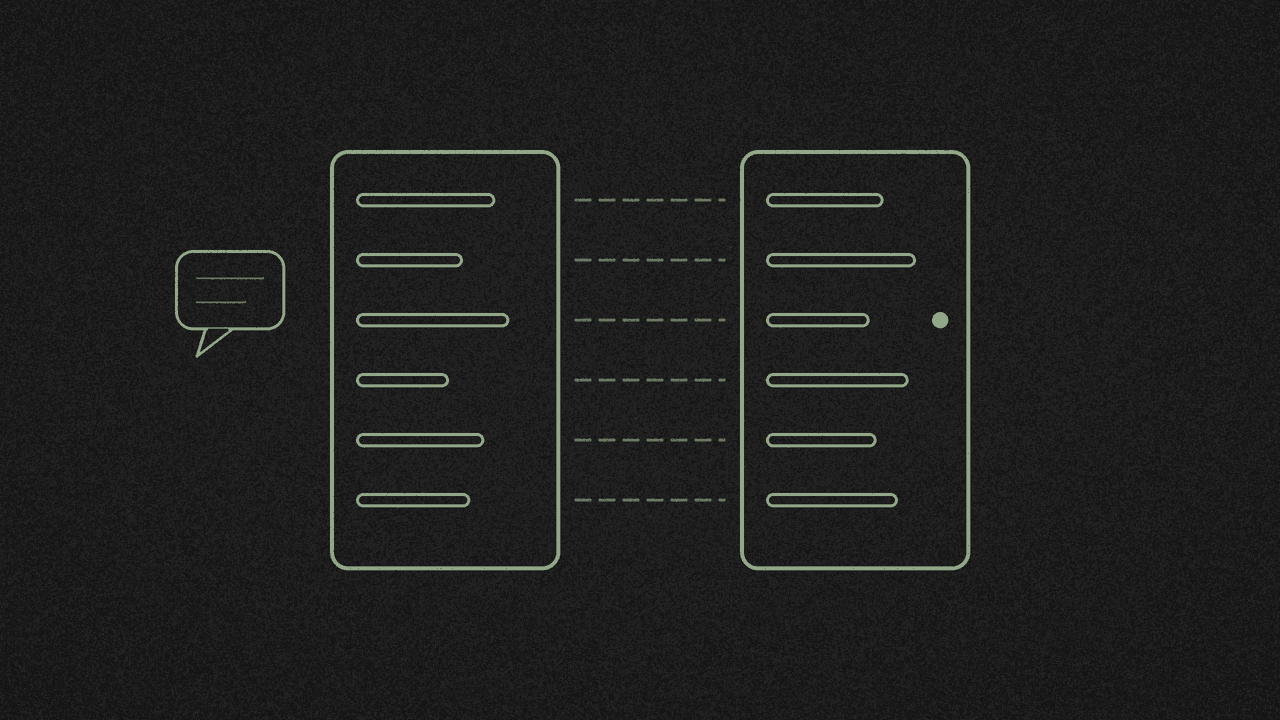
To get an X video in English, line by line, you need its words with timings first. Some X videos carry a caption track in their own language. The X video transcriber exports that track as an SRT file, still in the original language. Then a chat AI translates it, one subtitle line at a time.
shinmuscat doesn't translate. You paste the text into the AI yourself. We ran the whole thing on 15 November with a Japanese NHK News clip and ChatGPT, logged out. What we measured:
- The caption track keeps its language. Our tool keeps a non-English caption track as it is, so here it gave us Japanese. This post uses videos that already have X captions.
- Non-English tracks are hit and miss. 8 of 22 NHK News clips had Japanese auto-generated tracks. 0 of 9 clips from Spanish news outlets had any track at all.
- ChatGPT kept every timing and got the award name right. It also approved a known caption mis-spelling as "Correctly written", and it added "I" as the subject of a line where nobody is named. Don't treat it as a proofreader for a language you don't read.
- X's caption track beat a fresh transcription. The track had the award name as 長嶋茂雄賞. A speech-to-text run on our own machine heard 「長島事業所」.
- The word count means nothing for Japanese. The result showed "7 words" for 7 lines. Use the segment count instead.
Step 1: Find a video with a caption track
You need a clip that already has captions in its own language. We searched recent video posts from Spanish and Japanese official and news accounts, then checked each one for a track.
- Spanish: 0 of 9 videos from abc_es, elmundoes, Univision, infobae and rtve had a track. NASA_es had none either.
- Japanese: 8 of 22
@nhk_newsvideos had aja (auto-generated)track. JAXA_jp had none.
We picked this NHK News post from 12 November. It's 13.4 seconds long and covers the first Nagashima Shigeo Award, which went to Hanshin's Sato Teruaki.
Pick a clip that already has an X caption track.
Step 2: Get the caption file
- Paste the post link into the X video transcriber and press Pick every word. You don't need an X login or a shinmuscat account.
- Check the result card. Ours read Original X captions, 0:13, "7 words", Japanese. The footer said "7 segments · Captions extracted".
- Open Download ▾ and pick SubRip subtitles .srt. Ours saved as
shinmuscat-nhk_news-2120829815809069061.srt.
The segment count is right and the word count is wrong. The tool counts words by the spaces between them, and Japanese doesn't use spaces, so each line counted as one word.
New to subtitle files? Here's SRT vs VTT, and which one to download.
Step 3: Paste the SRT into a chat AI with this prompt
We used ChatGPT at chatgpt.com, logged out with no account. It may work for you without one too. This is our prompt, word for word, except that we've swapped the post's own text for a placeholder. Put your post's text there:
Below is the Japanese caption file (SRT) from a 13-second NHK News video posted on X. X generated these captions automatically. The post text says: [post text]

Translate it into natural English subtitles:
1. Keep exactly the same cue numbers and timings. Do not merge, split or retime cues, even if a sentence runs across two cues.
2. Output the English SRT first.
3. Then list any Japanese words you think the automatic captions misheard or wrote wrongly, with the cue number, what you think was actually said, and how sure you are.
4. Do not add anything that is not in the captions.

1
00:00:00,481 --> 00:00:02,023
誰を選んだら一番喜ば

2
00:00:02,304 --> 00:00:03,986
長嶋さんが喜ぶかなと思って

3
00:00:04,627 --> 00:00:05,627
まこれでね

4
00:00:05,769 --> 00:00:07,612
堂々と胸張ってアメリカへ行けると

5
00:00:07,692 --> 00:00:09,595
第一回の長嶋茂雄賞ですから

6
00:00:10,016 --> 00:00:11,819
これはすごくいい花向けの賞

7
00:00:11,859 --> 00:00:13,001
になったと思うんですよね
The SRT in that box is the tool's real export, unchanged.
Step 4: What ChatGPT gave back
Its English lines, with the timings it kept:
- Who would make the happiest choice?
- I wondered who would make Mr. Nagashima happiest.
- Well, with this,
- I can go to America with my head held high.
- Since this is the inaugural Shigeo Nagashima Award,
- I think it's a really wonderful parting tribute,
- that's what I think.
7 lines went in and 7 came out. No line number or timing changed. Line 5 got the award name right, and X's caption had the correct kanji, 長嶋, to work from.
Asked for likely mishearings, it said there were none clear. It noted that line 1 is cut off, and read 「まこれでね」 in line 3 as 「まあ、これでね」. Our own speech-to-text run agrees with that reading.
Step 5: Check what it got wrong
The timings were perfect. The mistakes were in the words.
It approved a spelling mistake. Line 6 has 「花向けの賞」. ChatGPT called it "Correctly written", with high confidence. The standard form is 餞, or はなむけ in kana. It comes from 鼻向け and has nothing to do with flowers. The NHK Broadcasting Culture Research Institute says 「漢字では「餞」と書くことができます」. The Mainichi's style column marks 花向け as wrong. The English meaning, "parting tribute", is still right. If you were going to quote the Japanese, though, the AI's check would have let the error through.
It added a subject. Japanese often leaves out who is doing something. Line 4, 「堂々と胸張ってアメリカへ行けると」, has no "I" in it. ChatGPT wrote "I can go to America". The person on screen is the one explaining the choice, so "he" may be what's meant. We haven't confirmed who is speaking in that line. Before you post, check who's talking in every line the AI gave a subject to.
It moved meaning between lines. Line 1 is cut off mid-word, and ChatGPT shifted part of its meaning into line 2. That's acceptable for subtitles, but check it if you need each line to match the speech exactly.
Our checks used the post text, a speech-to-text run on our own machine and NHK's published guidance, not a Japanese speaker. For anything you'll publish, get a fluent reader to look at it.
What X's own translate button covers
X has a Translate post option. Its help page says it translates "the text in the post". It doesn't cover what's said in the video, so you still need the caption track for that.
Next step
Paste a captioned X video into the X video transcriber to get the caption file free, then run the prompt above. Doing the same with a TikTok? Here's how to translate a TikTok video to English, line by line. Want the English lines on a video? See how to turn an AI-written script into a captioned video with an SRT file. Want the gist instead of every line? Here's how to summarise an X video with AI from its transcript.