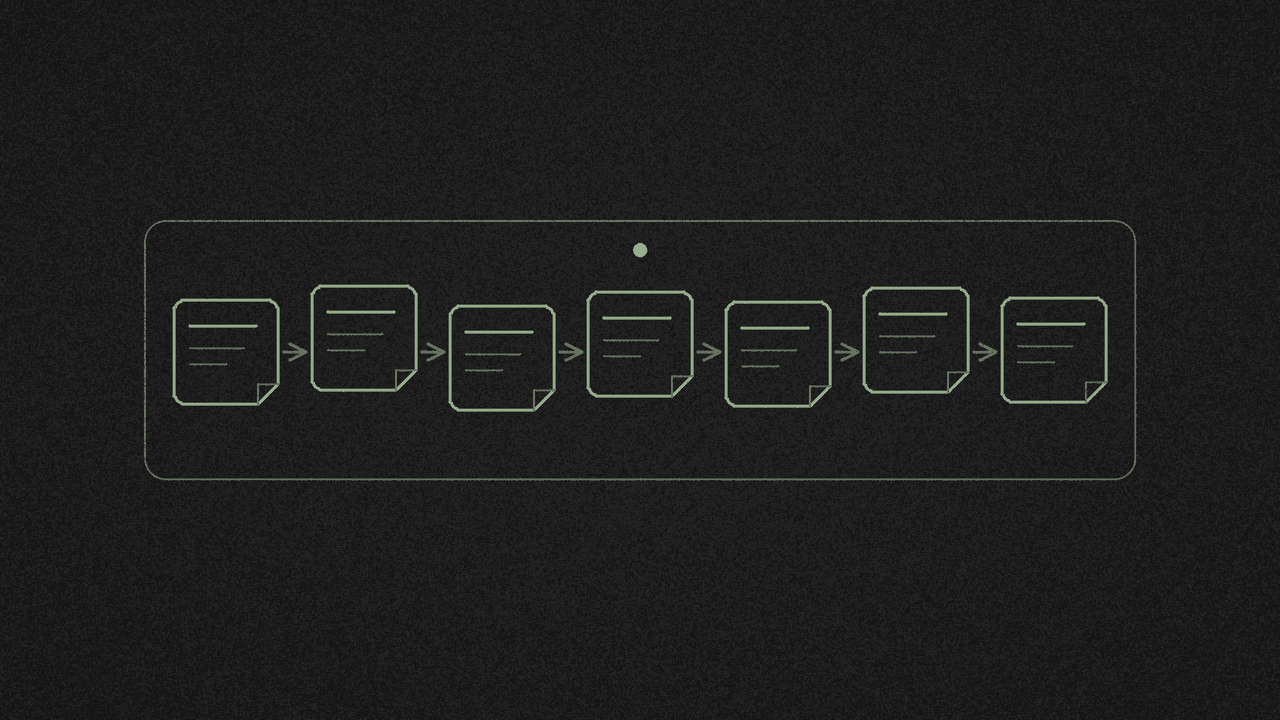
Turn Your Own X Video Into a LinkedIn Post and a Thread With AI
Turn your captioned X video into a LinkedIn post and a thread with AI. Our Grok Bot test added no facts but reworded lines. How to check and fix the draft.
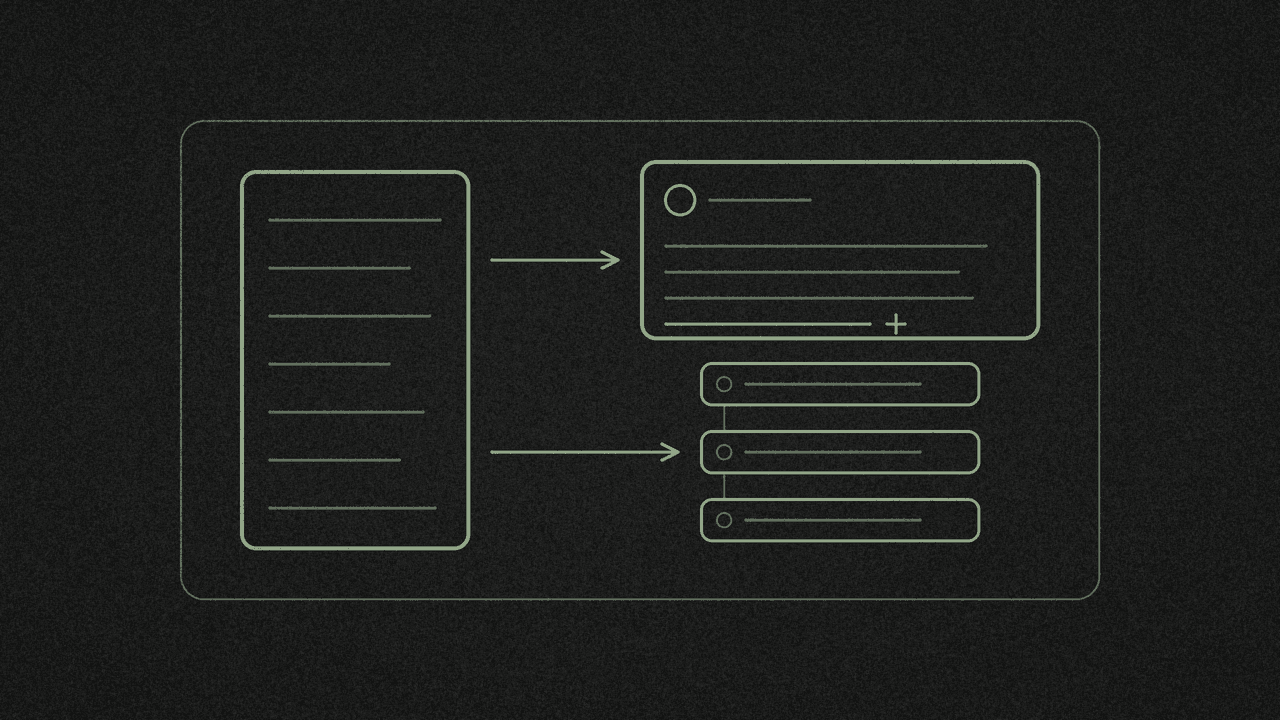
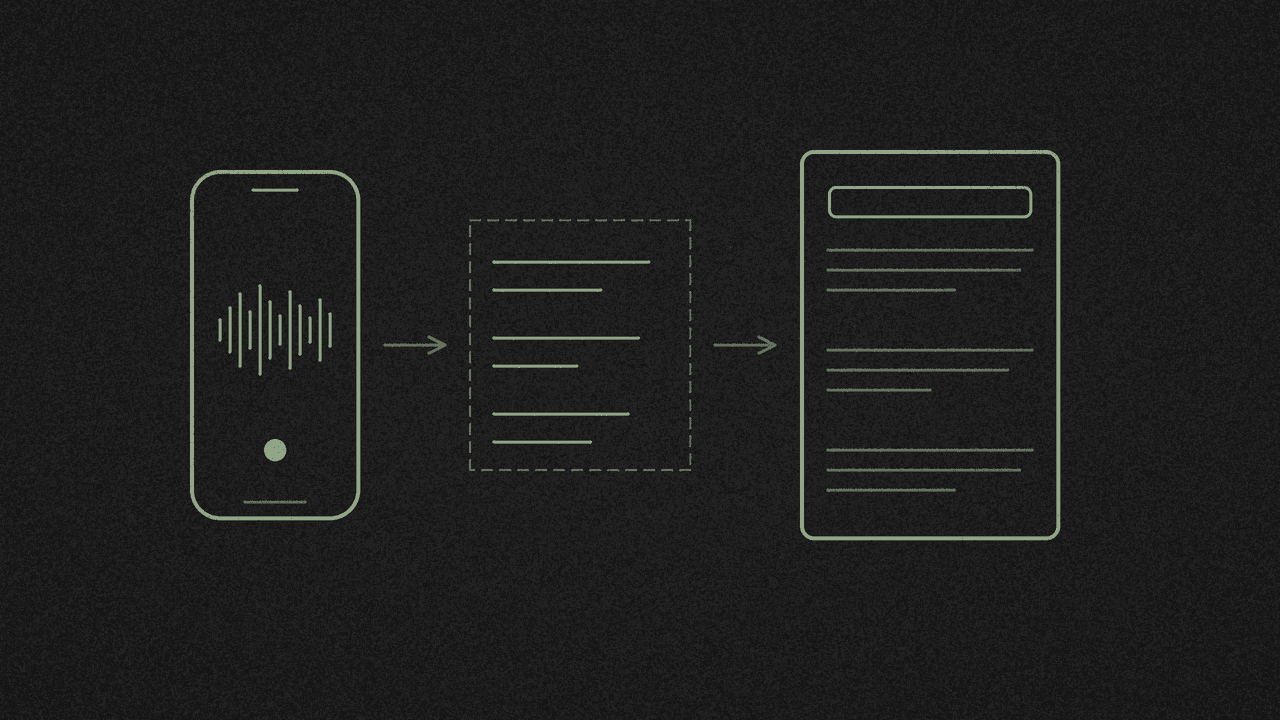
You've posted a short captioned video on X and want a LinkedIn post and a thread out of it. Download the captions as text, paste them into a chat AI with a "use only this transcript" prompt, then check every line it writes against the captions.
We tested this on 17 November. For the test we used NASA's public 1:03 astronaut recruitment video as a stand-in for your own captioned clip. What we found:
- The deadline isn't in the video. NASA's post text says "apply by Dec. 3", and NASA's news release gives "11:59 p.m. EST Thursday, Dec. 3". The 25 caption lines never say it, and never mention the Moon. Grok Bot, told to use only the transcript, added neither. Facts like that are yours to add.
- Grok Bot added a few things of its own. Two framing lines that aren't in the video, the hashtags #Space and #Careers, and "We're explorers" became "Astronauts are explorers".
- shinmuscat doesn't write the post. It gives you the Original X captions as TXT, SRT or VTT. You paste them into a chat AI.
- The LinkedIn draft fits with room to spare. It came to 833 characters. LinkedIn's help page says "Posts can contain up to 3,000 characters."
- TXT has no times. The Plain text .txt download worked in our test and gives the words only. SRT and VTT keep the times.
This is a different job from our TikTok to blog post guide. That one expands a TikTok transcript into a longer piece. This one turns your own captioned X video into a LinkedIn post and a thread, then checks them line by line. This post uses videos that already have X captions.
Step 1: Get your captions as text
Copy your post's link on X. Paste it into YOUR X LINK in the X video transcriber and press Pick every word. It's free and needs no shinmuscat account.
Check the card says Original X captions. Ours read "1:03 · 116 words · English" and "25 segments · Captions extracted". That label covers auto-generated and uploaded tracks alike. NASA's track is an uploaded SRT in X's playlist, and the card doesn't say "uploaded".
Open Download ▾ and pick Plain text .txt. Ours came out as 25 lines with no timestamps, which is what you want for a draft.
There's a Copy button too. In our test browser the clipboard didn't change after we pressed it, and Ctrl+C wasn't working in that window either, so we couldn't confirm Copy in this run. The download worked, so we used that. If you want times to check against later, also download SubRip subtitles .srt.
Step 2: Paste it into a chat AI with a tight prompt
We meant to use logged-out ChatGPT in a private window. On 17 November, at 14:04 and 14:11 Singapore time, it showed "Sign in to continue" and gave no answer. A logged-out run that morning, for a different post, had worked, so access can change from one session to the next.
So we ran the same prompt, word for word, in a fresh Grok Bot session with no other context and no web search. Use whichever chat AI you have. Open the TXT, copy all of it, and paste it after the prompt.
shinmuscat has no AI built in. Your transcript leaves your device only when you paste it into a chat AI.
This is the prompt, word for word:
This is the transcript of a short video I posted on X. Using only what is said in the transcript, write (1) a LinkedIn post of about 120-150 words with a strong first line and no hashtags spam (max 3), and (2) an X thread of 4-5 posts, each under 280 characters. Don't add any facts, numbers or names that aren't in the transcript. Transcript:
[paste the full transcript here; ours was 25 lines]
Keep "Using only what is said" and "Don't add any facts, numbers or names". In our run, those two lines kept the draft to what the video said.
The character cap in part (2) is what we asked the AI for. X's help page wouldn't load for us on 17 November, so we couldn't confirm X's own limit. Set the cap to what your account allows.
Here's what Grok Bot sent back, word for word:
**1) LinkedIn post (about 135 words)**

There is no such thing as a typical astronaut.

That's the heart of this short video.

The universe is calling. The question is whether you'll answer.

The path starts with training that pushes you beyond your limits, where every day you learn something new. It takes teamwork, grit and passion.

Then comes the moment the engines ignite, when you feel every dream you've ever had. But the thrill isn't just the launch. It's living and working in space, where every day is an adventure. And touching down after a mission, you realize you've just lived something extraordinary.

Astronauts are explorers, scientists, engineers, pilots and dreamers.

If you thrive under pressure and want to make history, NASA wants you. Apply today to become part of the next generation of explorers.

Your journey starts here.

#NASA #Space #Careers

**2) X thread (5 posts)**

1/5
The universe is calling. Will you answer?

Here's what the journey looks like, in one short video.

2/5
It starts with training that pushes you beyond your limits. Every day you learn something new. It's teamwork, grit and passion.

3/5
Then the engines ignite and you feel every dream you've ever had. But the thrill isn't just launch. It's living and working in space, where every day is an adventure.

4/5
Touching down after a mission, you realize you've just lived something extraordinary. And there's no such thing as a typical astronaut: explorers, scientists, engineers, pilots and dreamers.

5/5
If you thrive under pressure and want to make history, NASA wants you. Apply today to become part of the next generation of explorers. Your journey starts here.
Step 3: Check every line against the captions
We checked both drafts against the 25 caption lines. Most lines are the speaker's own words, joined up. These bits aren't.
- Two framing lines. "That's the heart of this short video." and "Here's what the journey looks like, in one short video." are Grok Bot's. Cut them, or write your own.
- A changed speaker. The video says "We're explorers, scientists, engineers, pilots and dreamers." The LinkedIn draft says "Astronauts are explorers...". On your own video, put your "we" back.
- Two added hashtags. #NASA comes from "NASA wants you." #Space and #Careers are Grok Bot's picks. The prompt allowed up to three, so swap in your own if those don't fit.
- Small rewording. "Will you answer?" became "The question is whether you'll answer." "It's teamwork" became "It takes teamwork". "isn't just launch" became "isn't just the launch". The two lines "If you thrive under pressure." and "If you want to make history." were stitched into one sentence.
It added no deadline, no Moon and none of NASA's entry requirements. None of them are in the captions.
To check a line yourself, type a word from it into Find a word or phrase in the transcriber. Only matching lines stay on screen. With Timestamps on, click the time next to one and the video jumps there.
Step 4: Add the facts your video didn't say
The AI can only use what was said. Dates, prices, links and requirements usually live in your post text or on a web page, so add them yourself and say where they came from.
For the NASA stand-in, that's the deadline. NASA's news release on the new astronaut class says "U.S. citizens interested in joining the astronaut corps have until 11:59 p.m. EST Thursday, Dec. 3, to submit their completed application materials". The entry requirements are on NASA's Become an Astronaut page. Neither appears in the 25 caption lines.
Copy facts like these from the page into your draft. Don't ask the AI to remember them.
Step 5: Check the length, then post
LinkedIn's help page on posting and sharing updates says "Posts can contain up to 3,000 characters." Our draft was 833, hashtags included, so there's room for the deadline line.
For the thread, paste each post into X and check it fits before you post.
Limits
- Captions only. The tool reads a video's X caption track. If your video has none, there's nothing to download.
- Speech only. Captions hold what was said. Text on screen isn't in the transcript, so it isn't in the draft.
- Up to 60 minutes. Longer videos are refused.
- One run. This was one 1:03 video and one Grok Bot answer. Check every draft you make.
Next step
Paste your captioned X video into the X video transcriber, download the TXT and run the prompt above. Want a summary of someone else's video instead? Here's how to summarise an X video with AI from its transcript. Quoting someone else's clip? See how to fact-check a quote in a viral X clip before you repost it.