SRT vs VTT for TikTok Captions: Which File to Download
SRT vs VTT for TikTok captions: pick SRT for editors and YouTube, VTT for web players, or TXT when you only need the words in a doc.
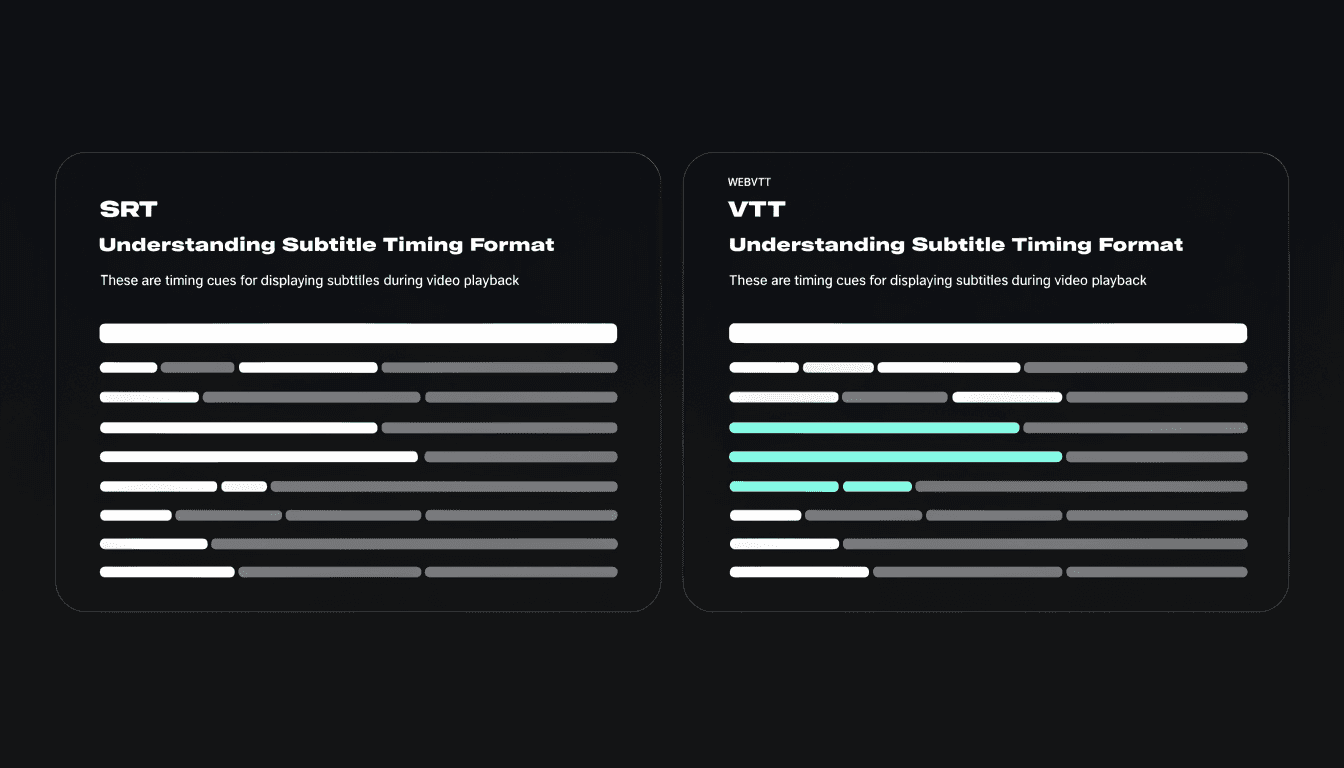
SRT and VTT are both timed caption files. Each one pairs short blocks of dialogue with start and end times. Neither file contains video or audio.
shinmuscat's FAQ maps the choice plainly: SRT for video editors and YouTube, VTT for web players, and plain text when you want to paste into a doc. Each timed format keeps the timestamps from the video's captions. For how those timestamps show up in the transcript first, see how to get timestamps with a TikTok transcript.
Pick by where the file will live
- Need a caption track in CapCut, Premiere, DaVinci Resolve, or YouTube Studio → download SRT. Import steps live on TikTok captions to SRT.
- Need an HTML5
<track>or another in-browser player → download VTT. Full how-to: turn TikTok captions into VTT for web players. - Need words in a document, notes, or a search index → download TXT instead. Guide: How to Download a TikTok Transcript as TXT.
If you still need the wider path into a transcript, start with how to get a transcript of a TikTok video. To weigh caption readers against audio tools before you pick a format, see free TikTok transcript tools compared.
What an SRT file looks like
SubRip (SRT) is a de facto subtitle format. Matroska's technical docs describe it as one of the most basic subtitle formats: a sequence number, an appear/disappear time range, the subtitle text, then a blank line before the next cue. A classic timing line looks like 00:02:17,440 --> 00:02:20,375 (comma as the decimal separator in the Matroska examples). There is no general settings block in that basic layout.
There is no single W3C "SRT standard" page the way there is for WebVTT. Tooling and container docs define the layout people actually use.
What a VTT file looks like
WebVTT is a W3C Recommendation for external text track resources used with the HTML <track> element: captions, subtitles, descriptions, chapters, and time-aligned metadata. A WebVTT file begins with WEBVTT. Each cue has a start time, an end time, and a text payload. Cues can also carry settings, and browsers can style them with CSS ::cue.
W3C and MDN samples often use dot decimals in the times, for example 00:11.000 --> 00:13.000. Hours can be optional in short forms.
Side by side
| SRT (SubRip) | WebVTT (.vtt) | |
|---|---|---|
| Spec home | De facto; Matroska subtitle docs | W3C WebVTT |
| Typical header | None (starts at cue 1) | WEBVTT |
| Cue id | Numeric sequence | Optional identifier |
| Time decimals | Commonly comma | Dot in W3C/MDN examples |
| Styling | Minimal in the base format | Cue settings + CSS ::cue |
| Primary habitat | Editors, many platforms | HTML <track>, web players |
| Contains audio or video? | No | No |
On shinmuscat, the SRT and VTT downloads carry the same caption timestamps as the on-screen track. This post does not invent byte-level differences beyond that product claim and the format docs above.
How you get either file from a TikTok
shinmuscat reads a public TikTok's existing captions. It does not listen to the audio. Paste the Share link, wait for the transcript, then open Download and pick SRT or VTT.
Limits that apply to every format: the video must be public, up to 10 minutes, and it must already have captions. Free, unlimited, no login. TikTok only.
Next step
Open shinmuscat.com, paste a public TikTok link, and download SRT for an editor or YouTube, or VTT for a web player.
Try it on your own video
Paste a TikTok link and get the full transcript in seconds.