How to Get Timestamps With a TikTok Transcript
Get timestamps with a TikTok transcript: paste a public Share link into shinmuscat, read lines with clock ticks, then download SRT, VTT, or TXT.
You often need more than the words. You need the moment: where the hook lands, when the CTA starts, which second to clip.
TikTok's in-app captions show text while the video plays. They are not a timed document you can search, copy cleanly, or drop into an editor. For that, you want a transcript that lines each sentence up with a timestamp.
What timestamps mean here
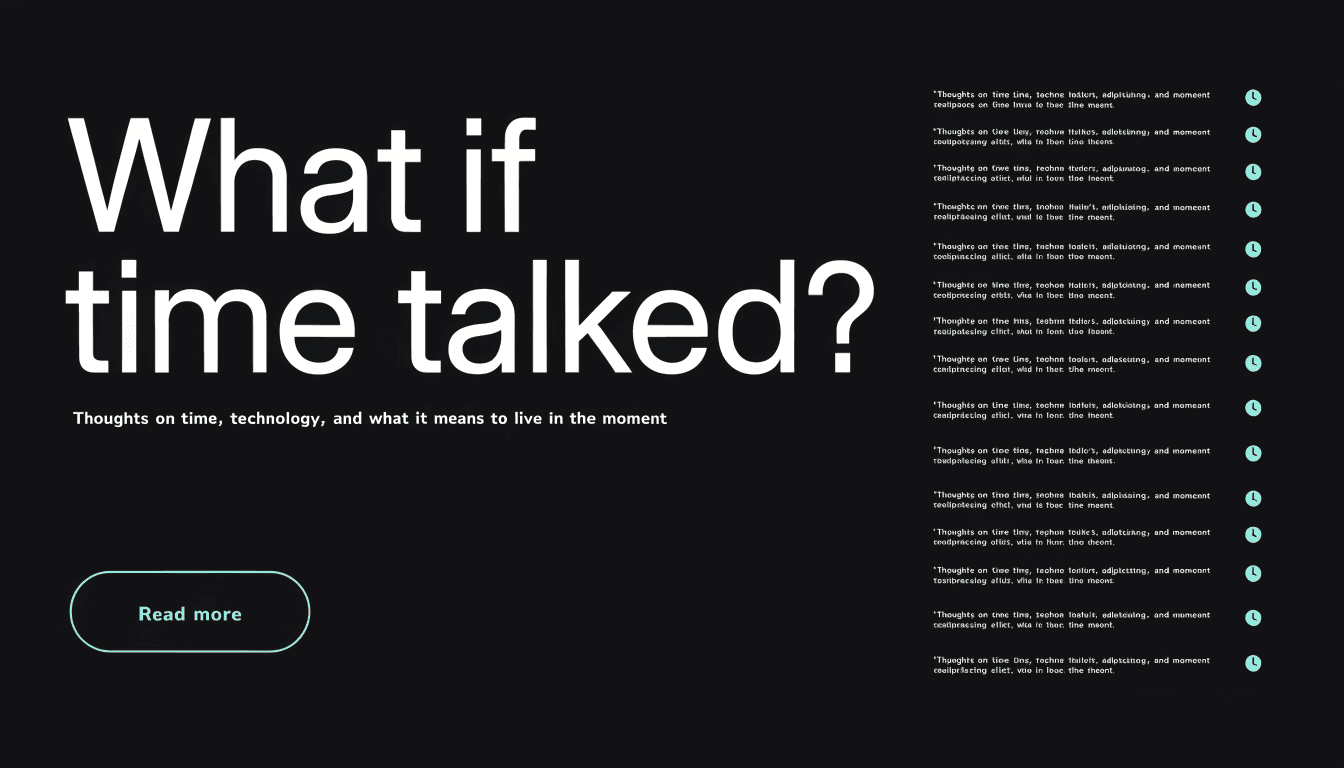
On shinmuscat, the tool reads the video's own captions and lines every sentence up with a timestamp. You can search the transcript, copy a quote, or download a file. The homepage FAQ says each download format (plain text, SRT, VTT) keeps the timestamps.
That timing comes from TikTok's caption track. shinmuscat does not invent speech from the audio.
Steps
- On a public TikTok that already has captions, open Share and copy the link.
- Paste it into shinmuscat and press Pick every word.
- Read the transcript with timestamps on the page. Use Find if you only care about one line.
- Download by job:
- SRT for CapCut, Premiere, Resolve, or YouTube Studio (see TikTok captions to SRT)
- VTT for web players (turn TikTok captions into VTT)
- TXT when you mainly want the words in a doc (see download as TXT)
If you are choosing between the two timed files, SRT vs VTT for TikTok captions maps which one to pick. For the wider get-the-words path, start at how to get a transcript of a TikTok video.
Limits
Works on public TikTok videos up to 10 minutes that already have captions. Free, unlimited, no login for the paste-a-link flow. TikTok only. Last 12 transcripts stay in the browser.
Private or friends-only videos fail at the public page. Videos with captions turned off return an error instead of guessing. See public vs private TikToks and why a TikTok has no captions.
Next step
Open shinmuscat.com, paste a public TikTok Share link, and pull the transcript with timestamps from there.
Try it on your own video
Paste a TikTok link and get the full transcript in seconds.