Public vs Private TikToks: Why Transcript Tools Fail on Locked Videos
Private or friends-only TikToks fail paste-link transcript tools because those tools only read the public page. How that differs from a no-captions error.
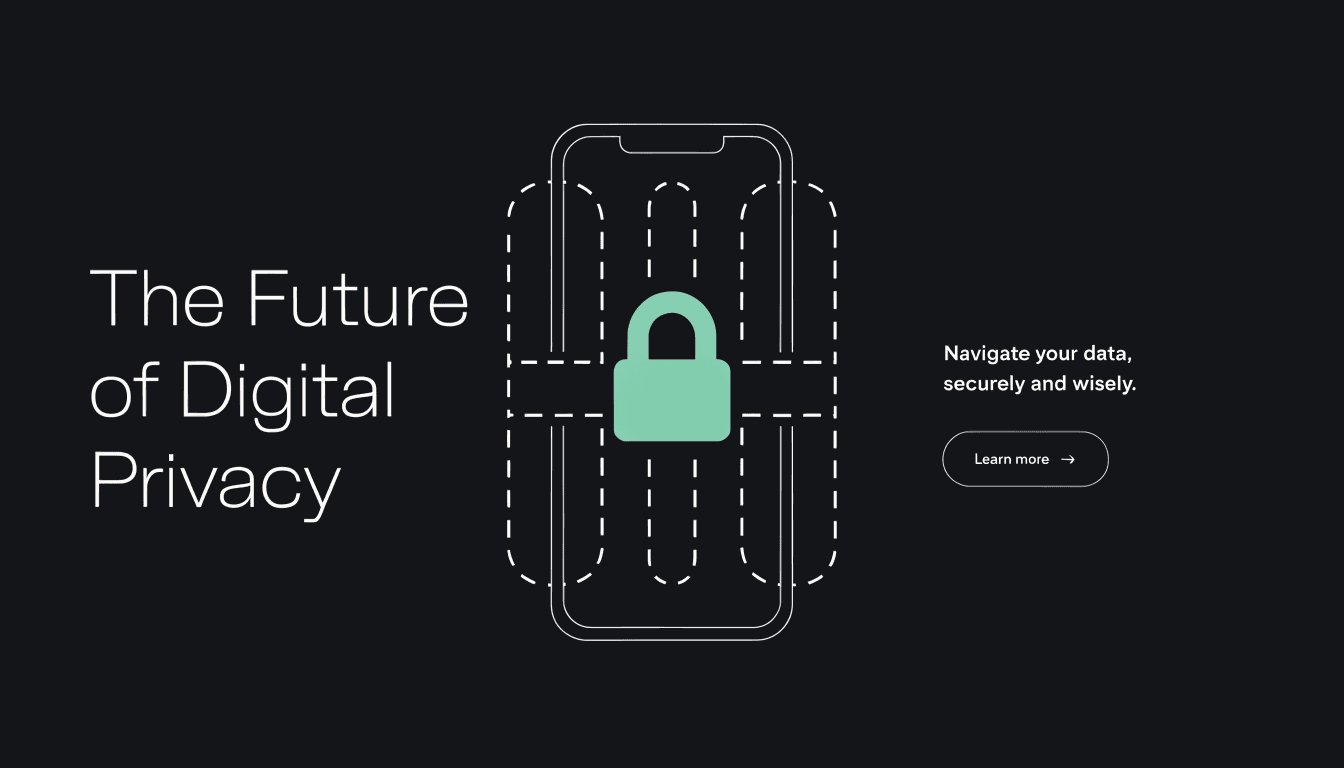
Someone pastes a TikTok link into a transcript tool and it fails. The tool is not always broken. Often the video is simply not public.
Caption readers that only hit the public page cannot reach a private account video or a friends-only post. That is a privacy wall, not a missing caption track. Keep those two failures separate. For missing captions on a public video, see why a TikTok has no captions.
What TikTok means by private
TikTok's Help Centre explains account privacy this way. On a private account, you approve who may follow you, watch your videos and LIVE videos, see your bio and likes, and see your followers and following lists. People will not be able to Duet or Stitch with, or download, your videos (and related reuse restrictions on the same Help article).
On a public account, depending on the privacy settings you choose, posts may be visible to and shared by anyone on or off TikTok, whether or not they have an account. Content may appear in search engines, blogs, social posts, and news sites. Downloads, Duet, and Stitch may also be allowed depending on those settings.
TikTok also says you can always restrict the visibility of posts individually by changing video settings. Posts are then limited to the audience you select. Prefer product language like friends-only over inventing on-screen audience labels.
To toggle the account: Profile, Menu, Settings and privacy, Privacy, then turn Private account on or off. Source: TikTok Support, "Making your account public or private."
Why paste-link tools stop at the public page
shinmuscat reads captions from the public video page. It does not ask for a TikTok login, so it has no follower session.
The homepage FAQ says it works on public videos up to 10 minutes that have captions. Private videos, and the rare video with no captions at all, will not work.
The TikTok to text FAQ is more specific: shinmuscat only reads public videos. A private or friends-only video will return an error.
Do not invent the exact on-screen error text. Describe it as an error, or stick to that FAQ wording.
This is the privacy model working as designed. No public page means no caption file for an unauthenticated reader. For the working public path, see how to get a transcript of a TikTok video. Once a public video has captions, you can also download the transcript as TXT or pull an SRT from TikTok captions.
Private or locked versus no captions
| Situation | What fails | What you can do |
|---|---|---|
| Private account, friends-only, or locked post | Tool cannot reach the public page | Only the creator, or an approved viewer inside TikTok, can see it. For a tool path, the video must be public and have captions |
| Public video with no captions | Page is reachable, but there is no caption track | Speech-to-text, or ask the creator. See the no-captions guide and free TikTok transcript tools compared |
| Public video with captions, up to 10 minutes | Should work on shinmuscat | Paste the Share link and press Pick every word |
Do not tell readers to log into TikTok on the tool. shinmuscat has no TikTok login by design. Do not invent bypasses or "download private TikTok" tips.
What you can do next
If it is your video, change the post audience or turn Private account off using TikTok's Help steps above, then paste a public Share link.
If it is someone else's locked video, you cannot force a third-party paste-link tool through that wall. Watch it inside TikTok as an approved follower if you have access, or ask the creator for a public link or a transcript.
Next step
Open shinmuscat.com, paste a public TikTok Share link, and pull the captions from there.
Try it on your own video
Paste a TikTok link and get the full transcript in seconds.