How to Extract All the Text From a PDF as a .txt File
Extract the text from a PDF as a .txt file in your browser. What a mixed PDF test showed: pages without selectable text are left out, with no gap marked.
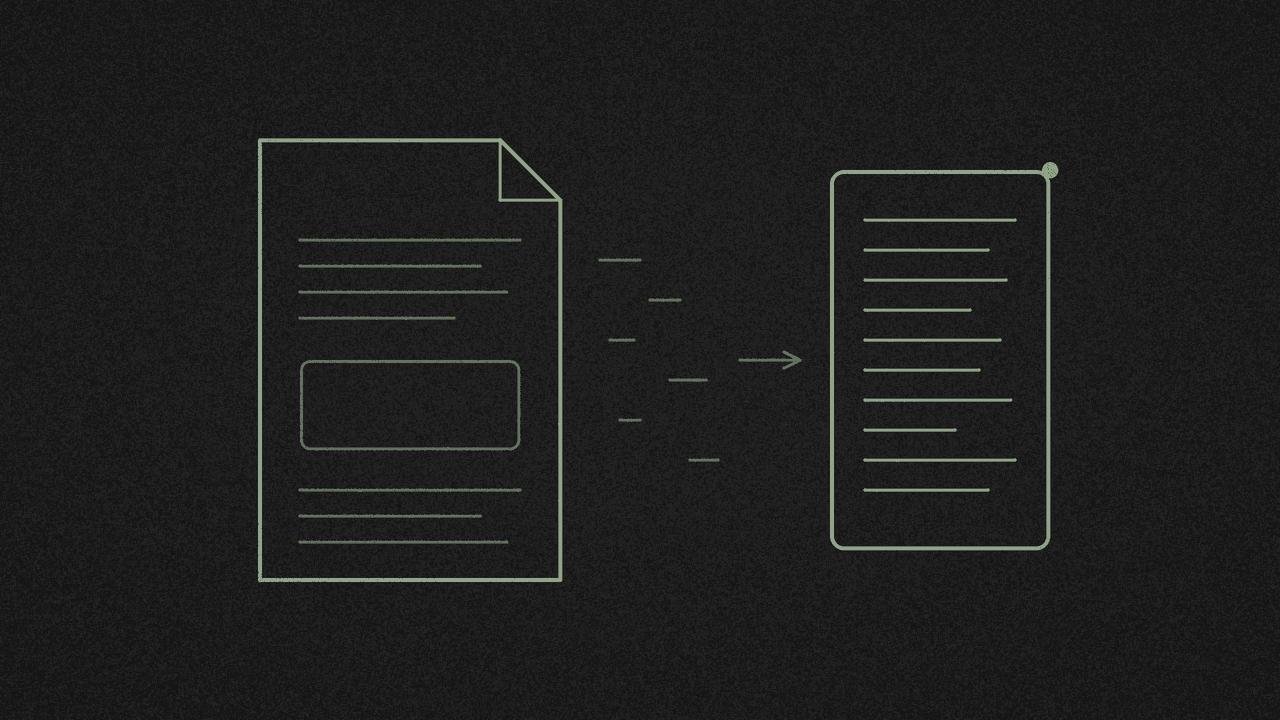
We made a three-page test PDF. Pages 1 and 3 had real, selectable text. Page 2 was a picture of text. We exported it with the free PDF tool and got one 99-byte .txt file with pages 1 and 3 in it. Page 2 was gone, with no gap, no page number and no note in the file to say anything was missing.
The tool did tell us, on screen: Done. 1 of 3 pages had no selectable text and look scanned, so they were left out. Read that line before you close the tab. The .txt file on its own can't show you that a page dropped out.
First: "all the text" means selectable text
The tool copies the text layer built into the PDF. If you can highlight a word with your cursor, it usually comes out. Some PDFs store letters in a way that can't be mapped back to text, and those can come out garbled or missing. Words inside a scan or a photo have no text layer, so they won't come out at all. There's no OCR (the step that reads words off an image), no language setting, and no way to open a PDF that needs a password.
How to export a PDF as a .txt file
- Open the PDF tool. It starts in View.
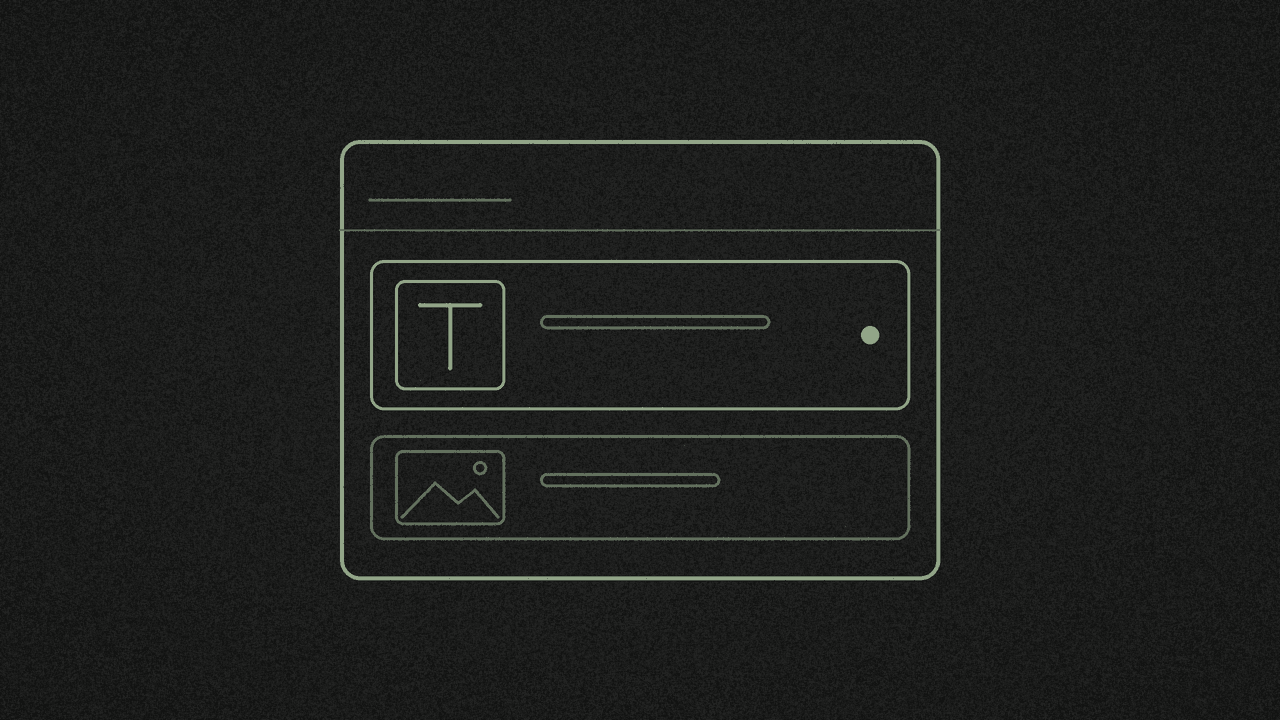
- Click Choose a PDF or drop it here and pick your file. The bar shows its name, page count and size.
- Under the page viewer, set Export as to Plain text (.txt).
- Click Export. You'll see Reading text from page N of M while it works through every page.
- One UTF-8 text file downloads with your file's name, so
report.pdfbecomesreport.txt.
There's no separate PDF to text mode, and no preview of the text before it downloads.
Read the message after the download
Done. Check the result, because tables and complex layouts do not carry over exactly. Every page gave up some text. Tables and columns come out as plain lines, so give them a quick look.
Done. N of M pages had no selectable text and look scanned, so they were left out. Some pages are missing from the file. A blank page counts here too, so check which pages are scans and which are just empty.
That did not work. This PDF has no selectable text, so it looks like a scan or a set of images. There is nothing to convert to text. Export it as PNG or JPG images instead. No page had text, so you get no file at all, rather than an empty one. Exporting as PNG or JPG saves pictures of the pages. It won't turn those pictures into words.
A scanned body can slip past the count
The count only flags pages with no text at all. Going by how the tool is built (we haven't tested this case), a page with a typed heading over a scanned paragraph still counts as having text. You'd get the heading and lose the paragraph, and the message wouldn't mention it. If your PDF mixes typed headers with scanned pages, scroll through the .txt and compare it with the PDF.
What the .txt file looks like
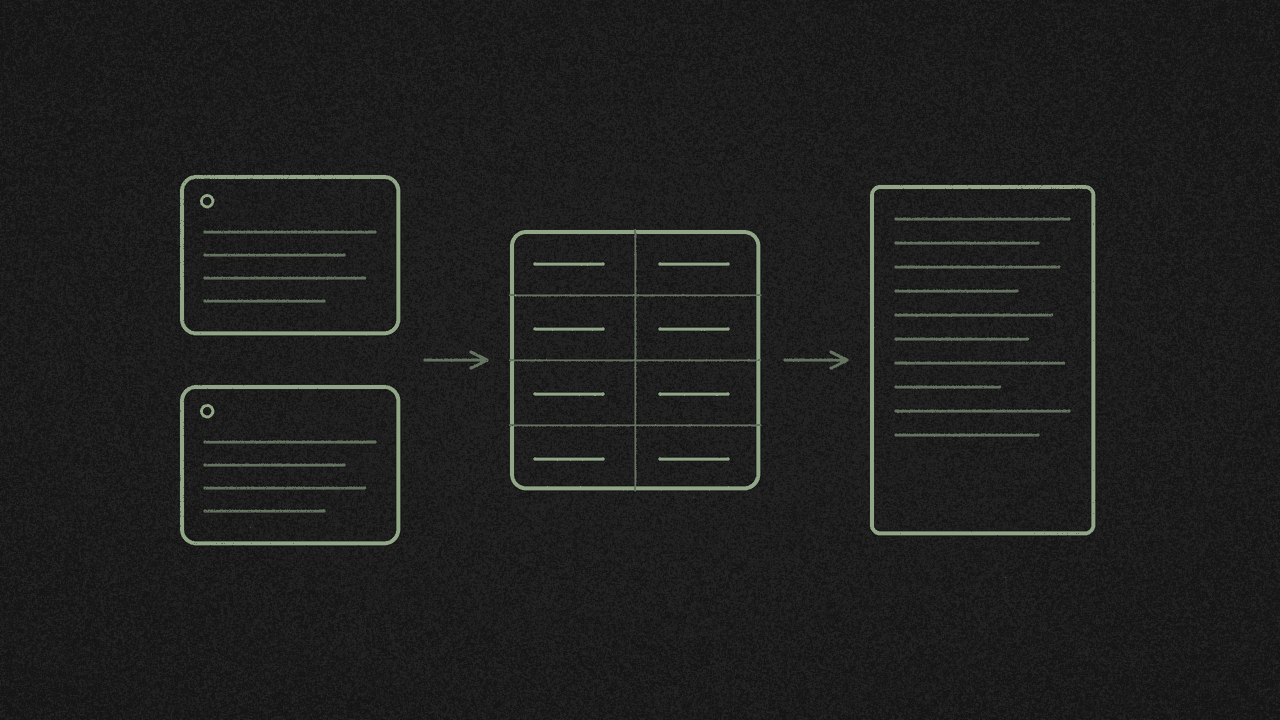
Pages are joined with blank lines, and paragraphs are kept apart by a single blank line. The tool tries to put columns in reading order, join words split across lines and fix joined letters like "fi". Treat that as a best effort. It doesn't keep images, colours or layout.
Only need some pages?
The text export always reads the whole document. To get text from one chapter, split the PDF by page range or delete the pages you don't want first. Then open the new, smaller file in View and export that. If the original is still open, you'll export the original.
Where your PDF goes
The extraction runs in your browser, so your PDF isn't uploaded. The page does load Google Analytics. Are online PDF converters safe? lists everything the page loads. Very large files depend on your device's memory and may be slow or fail.
Next step
Open the PDF tool, choose your PDF, set Export as to Plain text (.txt) and click Export. Then read the message under the viewer to see if any pages were left out. It's free, with no signup.
Turn your PDF into a .txt file
Open a PDF, set Export as to Plain text (.txt) and click Export. Pages without selectable text are left out. Your PDF isn't uploaded.