How to Pull Insights From TikTok Videos
Pull insights from TikTok videos with a free caption tool. Get the words, pick out hooks and main points, then compare your notes. AI is optional.
Want to work out how a creator opens a video, explains an idea or asks viewers to act? Get the words into a document first. Then you can mark what the script does and decide what to try in your own videos.
Here's how to do it with shinmuscat and a notes app. AI is optional.
1. Pick a video with a clear purpose
Start with one of your own videos or a creator's video on a topic you know. Choose something you want to learn from: a product explanation, a tutorial or a sales pitch.
Decide what you're looking for before you read. For example: how does this video introduce the problem, and when does it give the answer?
2. Get the words out with shinmuscat
Open the video in TikTok, tap Share, then Copy link. Paste it into the TikTok script extractor and press Pick every word.
shinmuscat is free, with no signup. It reads existing captions, never the audio, so the video must be public, have captions and be up to 60 minutes long. Paste one link at a time.
Copy the text into your notes or download TXT for words without timestamps. SRT and VTT keep the caption times if you need them. The TXT download guide covers those choices.
3. Mark four things in the transcript
Read it once, then make a short note under each heading:
- Hook: how does the opening begin? A question, a problem, a claim or a promise?
- Main points: what does the creator explain, and in what order?
- Call to action: what do they ask the viewer to do at the end? Write "none" if there isn't one.
- Repeated phrases: which words or ideas come up again? Note what the creator keeps returning to.
Use short excerpts where they help you see the wording. Text can't show you the visuals, so watch the video again for those.
4. Put a few videos side by side
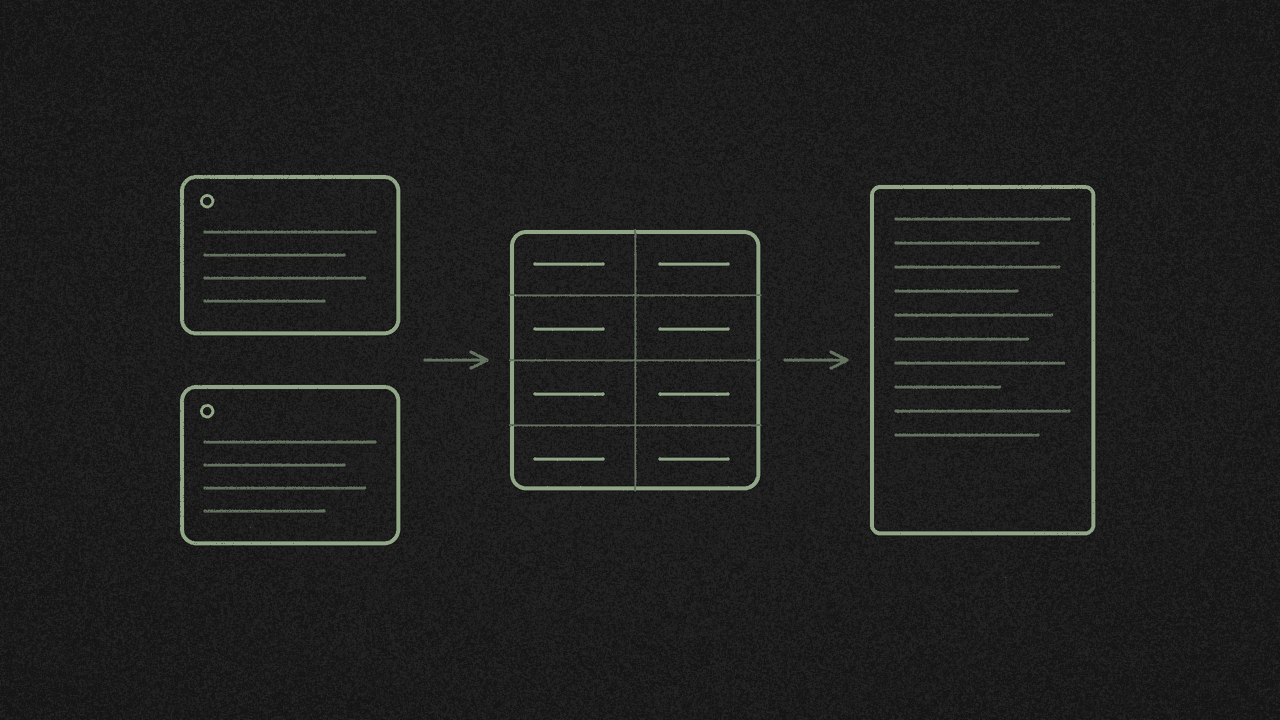
Repeat with a few of your own videos or others on the same topic. Make a simple table in your notes: one row per video, with columns for those four headings.
Read down each column. Which openings name the problem straight away? Which explain the steps before giving an example? Do the closing requests relate to the topic?
Write down one pattern you could try. If you want to keep collecting useful videos, see turn TikTok videos into a training library.
5. Use AI for a second reading, if you want
You can finish the table yourself. Or paste the transcripts into ChatGPT or Claude with this starting-point prompt:
For each transcript below, identify the opening hook, main
points in order, call to action and repeated phrases.
Put the notes in a table. Use short quotes from the text.
Leave anything missing blank. Then suggest one structure
I could try for a video about [my topic].

[paste transcripts, labelled Video 1, Video 2, etc.]
Check the quotes against the transcripts and edit any notes that miss the point.
6. Turn one insight into your next draft
Choose one change: open with the problem, move an example earlier or make the closing request clearer. Write it using your own topic and words. Read it aloud before recording.
For a written piece instead, follow turn a TikTok into a blog post. To start your notes, paste a video link into the TikTok script extractor.
Want the lines laid out as a script?
Paste a public captioned TikTok into the free TikTok script extractor. It reads the caption track and returns timestamped lines, hook to close. No audio transcription.