Find the Exact Moment Someone Said It in an X Video
Search an X video's captions, then click the time to hear the line. Logged-out ChatGPT found a quote our word search missed. Steps, prompt and search traps.
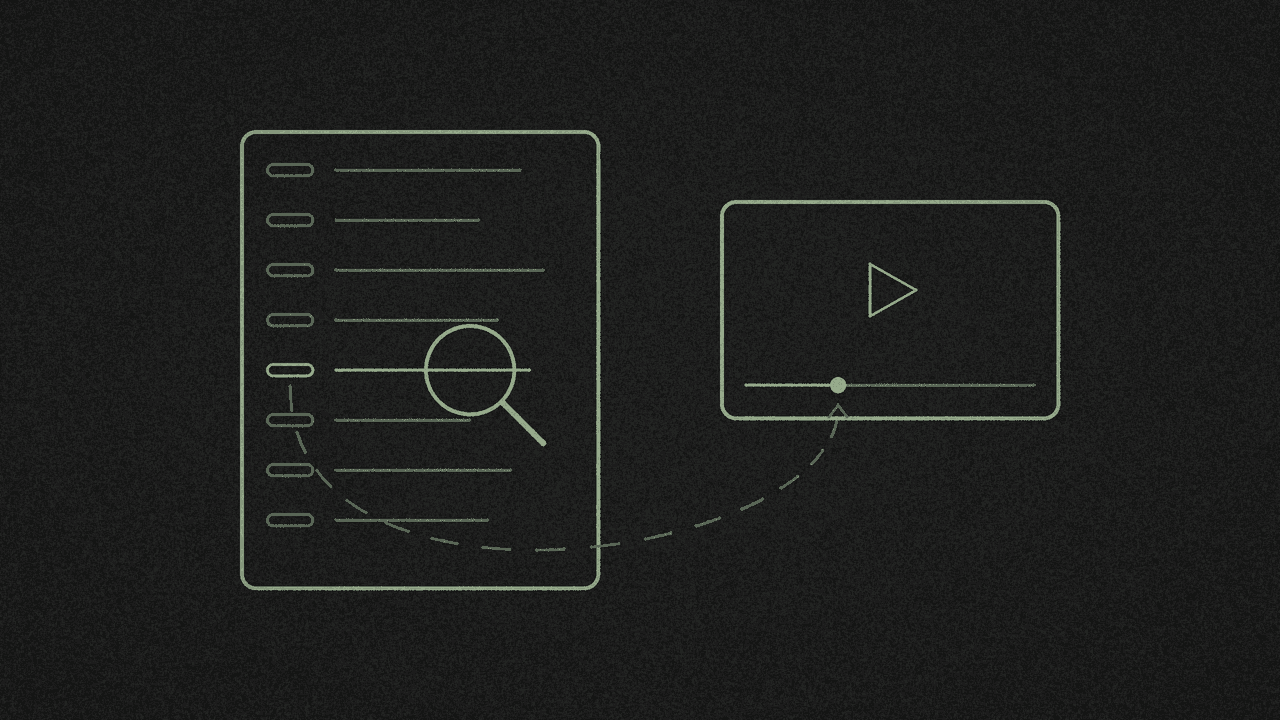
You remember someone saying it. You don't remember when. Get the X video's captions, let a chat AI point at the likely lines, then click each line's time and hear it for yourself.
We tried this on 16 November with the NASASpox video that loads when you press Try an example in our X video transcriber. It's a 2:26 NASA Minute with an auto-generated caption track of 58 lines. What we found:
- Word search finds spellings. ChatGPT found the meaning. We wanted the astronaut recruitment bit. Searching "astronaut" in the tool returned 0:38 and 1:38. It missed 0:46, "If you have the right stuff / applications are open through December 3rd", because that line never says "astronaut". And 1:38 is about a Mars simulation. Logged-out ChatGPT, given the same captions, returned exactly the two recruitment lines, with times exact to the millisecond and every word right.
- Search looks inside one caption line at a time. A phrase that runs over a line break won't show up. In two X interviews of about 52 minutes each, roughly 1 in 6 word pairs sat across a break.
- Auto captions misspell names, so the right spelling can find nothing. The NASA post says "CHAPEA". The captions say "Chappie". Search "CHAPEA" and you get 0 hits.
- Short words match too much. In a 51-minute interview, "AI" matched 89 lines. Only 12 had the word AI in them. The rest were words like "said", "air" and "aircraft".
- Word forms count. "apply" finds nothing in the NASA video. "applica" lands on 0:47, "applications are open through December 3rd".
- Copy drops the times. Copy and the TXT download give plain text with no times, even with Timestamps on. Download the SRT or VTT to keep them.
This post uses videos that already have X captions.
Step 1: Get the captions and the SRT
Copy the post link on X (Share › Copy link). Paste it into YOUR X LINK in the X video transcriber and press Pick every word. It's free and needs no shinmuscat account.
When the result loads, check the card says Original X captions. Ours read "2:26 · 378 words · English" and "58 segments · Captions extracted".
Then open Download ▾ and pick SubRip subtitles .srt. Ours saved as shinmuscat-NASASpox-2121362987902464316.srt. The SRT keeps each line's start and end time down to the millisecond. Not sure which file you need? Here's SRT vs VTT, and which file to download.
Skip Copy for this job. It gives you the whole transcript as plain text with no times, even when the Timestamps switch is on. It also ignores your search and copies everything.
Step 2: Ask ChatGPT to find the moments
Open ChatGPT in a private window. In a normal window we got a stale "Your session has expired" pop-up. The private window worked logged out, with no model name shown, only "ChatGPT".
Logged out, ChatGPT asks you to log in before you upload a file. So open the SRT in a text editor, copy all of it, and paste it under the prompt. This is the prompt we used, word for word:
In this timestamped transcript, find every moment the speaker talks about astronaut recruitment. Give the exact timestamp and quote the line word for word. If it isn't in the transcript, say so. Don't guess.
Swap "astronaut recruitment" for whatever you're hunting. Keep the last two sentences. They tell it to admit a miss.
Here's what logged-out ChatGPT sent back, word for word:
There are two moments where the speaker discusses astronaut recruitment:

1. 00:00:38,574 - 00:00:45,756
We're recruiting our next class of astronauts to find the explorers who could fly some of the exciting missions ahead in orbit and on the moon

2. 00:00:46,557 - 00:00:49,818
If you have the right stuff applications are open through December 3rd

These are the only passages in the transcript specifically about astronaut recruitment.
Step 3: Check every answer against the captions
We checked both answers line by line against the SRT.
- The times matched. 00:00:38,574 is where caption 16 starts and 00:00:45,756 is where caption 19 ends. The second range matches captions 20 and 21 exactly.
- The quotes matched. ChatGPT joined four short caption lines into one sentence for the first answer, and two for the second. It changed no words and added no punctuation.
- It left out the right line. The only other "astronaut" line, at 1:38, says "helping NASA better understand how astronauts will live". That one is about the Mars simulation.
- It made nothing up. We found 0 errors.
That's one 2:26 video, so treat it as one good run. Ask the AI for candidates, then hear each one before you quote it.
Step 4: Click the time to hear the line
Back in the transcriber, keep Timestamps on and click the time next to a line. The video on the left jumps to that second and plays. We clicked 0:38 and the player jumped there and played. The frame showed the video's own subtitle, "We're recruiting our next class". We tested this in Chrome on a desktop. We haven't tested it on a phone.
The on-screen time drops the part of a second, so 00:00:38,574 shows as 0:38. Turn Timestamps off and the clickable times disappear.
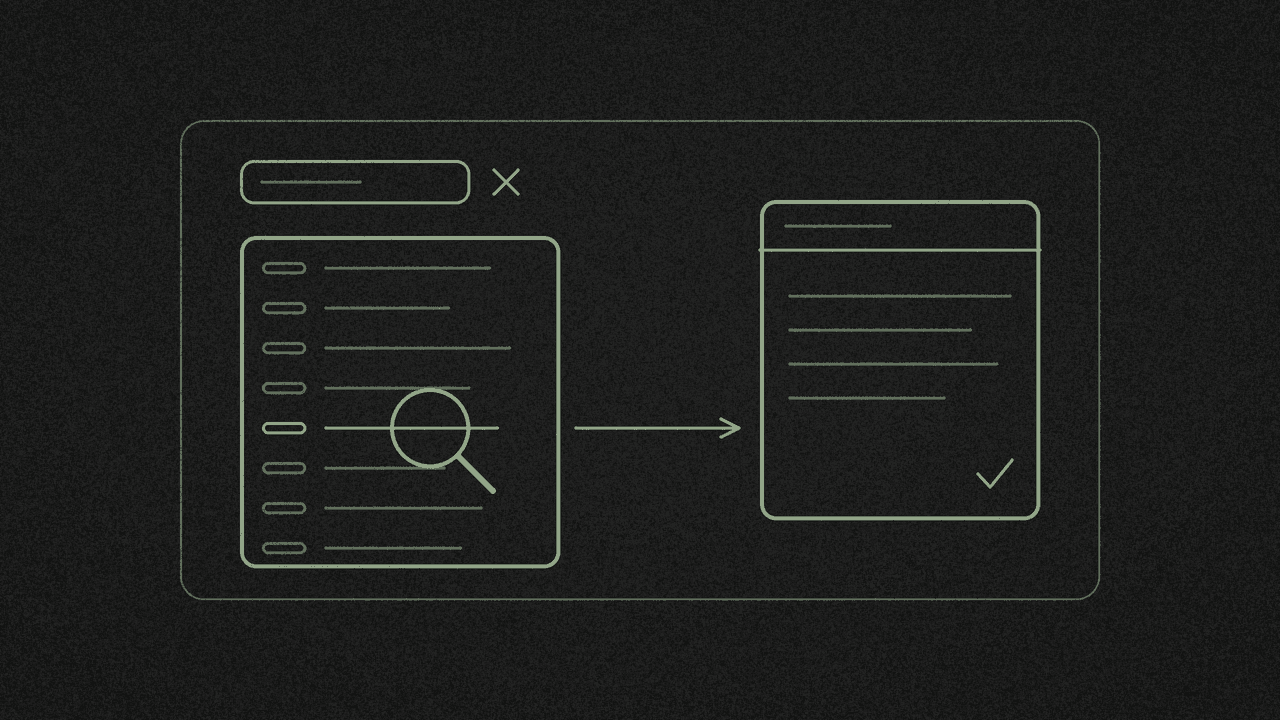
To hear one of ChatGPT's answers, type a word from it into Find a word or phrase. Only matching lines stay on screen, with the match highlighted, and the footer reads "N matching segments". Then click the time.
Search tips for when you skip the AI
Search a short fragment. Lines in an auto track are short, so a whole sentence often spans two of them. In a 51-minute interview, "the Fed" matched 14 lines, but the phrase appears 15 times. The missing one, at 24:49, is split: "So we had the" on one line, "Federal Reserve finally act in September of this" on the next. Search one or two distinctive words.
Search a name the way it sounds. Auto captions spell names how they're heard. "CHAPEA" gets 0 hits in the NASA video, and "Chappie" finds 1:27. In a 51-minute interview, the post text spells a name "Weichert", which gets 0 hits, while the captions say "Weikert". Search part of the name, or try how it might be misheard. The tool says as much under every result: "Captions can miss a word or a name. Check the video before quoting."
Make short words longer. Search matches inside words, upper or lower case. "AI" matched 89 lines in that interview, and only 12 contained the word. Add a word either side, like "AI boom", or let ChatGPT do the finding.
Try the stem. "apply" won't find "applications". "applica" will.
Limits
- Captions only. We screened 31 X posts on 16 November and 10 had a caption track. C-SPAN had 0 of 8. X's help page on how to share and watch videos on X notes that not every video has captions. RNID's guide to video captions on X shows where the CC button sits.
- Up to 60 minutes. An 82-minute interview came back with "Choose a video that's 60 minutes or shorter." Interviews of 51 and 52 minutes came back as 1,656 and 1,563 searchable lines.
- One video at a time, by text. The tool searches one transcript. It has no speaker labels, because X's captions carry none.
- Search results can't be copied on their own. Copy and every download give you the whole transcript. The VTT download follows the W3C WebVTT format, if you need the timing spec.
Next step
Paste a captioned X video into the X video transcriber, download the SRT and run the prompt above. Want the whole video boiled down instead? Here's how to summarise an X video with AI from its transcript. Wondering why the captions misspell names? See does X auto-generate captions, and how to tell auto from uploaded.