How to Fix Garbled Words in a TikTok Transcript
Fix garbled names, slang, and sound-alikes in a TikTok transcript: caption-readers copy TikTok's track, so hand-edit against the video; re-pull only when captions changed.
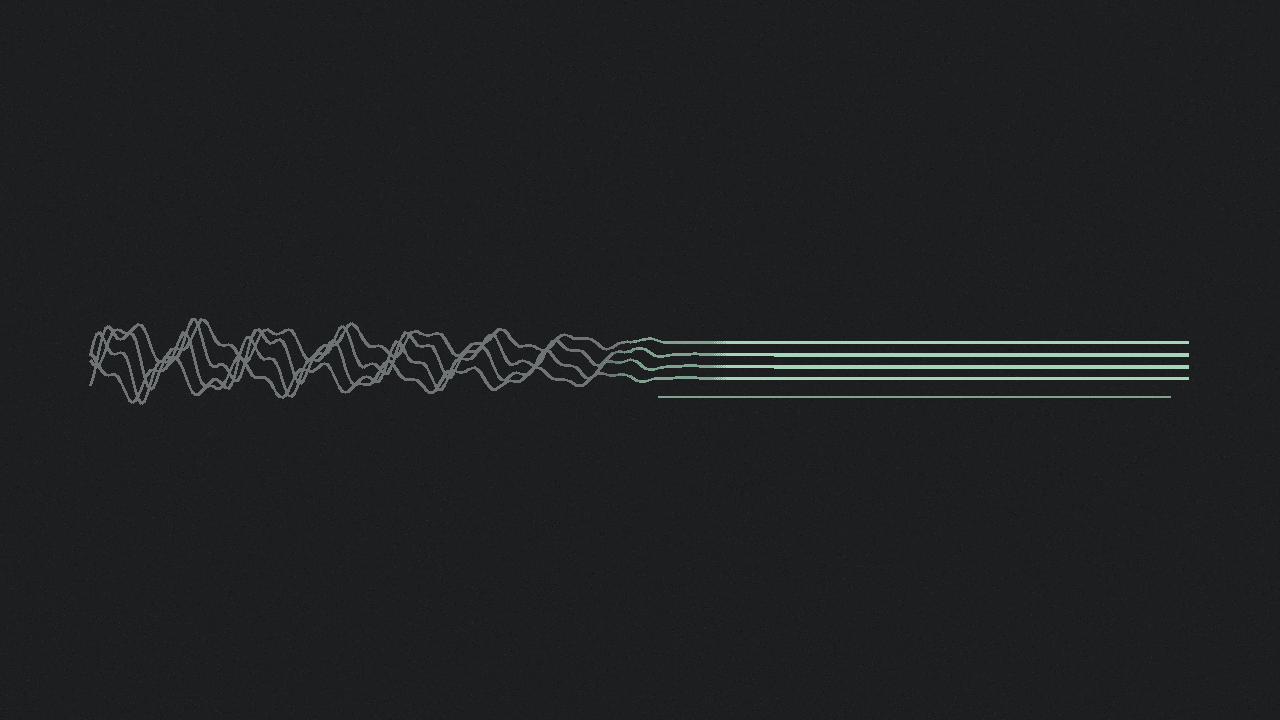
A caption-reader transcript mirrors TikTok's caption track, including auto-caption mistakes. Garbled names, slang, and sound-alikes are usually speech-recognition artefacts on that track. They are not a bug in the paste-link tool.
shinmuscat reads the video's own captions. It does not listen to the audio or invent better words. Full product answer: does shinmuscat transcribe audio or read captions?.
Why auto captions garble words
TikTok Support says auto-generated captions use speech recognition to turn audio into text. Creators pick Select video language on the post screen, and they can edit or remove the generated captions (Accessibility help).
TikTok's newsroom says the same: captions generate from the creator's content, and creators can edit the text once it exists (Introducing auto captions). An AU/NZ newsroom post, citing Deaf Australia tips, adds that when editing you should add initials or names if speakers are unclear, and check grammar so readers get the meaning (Making TikTok more accessible).
Speech recognition maps sound to words. Proper names, niche slang, and homophones (their/there, to/too) are classic failure modes. The hub comparison table puts paste-link accuracy as matching TikTok's captions exactly, mistakes included: how to get a transcript of a TikTok video.
This post is about a garbled track. A missing track is different: why a TikTok has no captions. A language TikTok does not auto-caption is covered separately: TikTok auto captions languages.
Hand-fix versus re-pull
Fix by hand when
| Symptom | Action |
|---|---|
| Wrong name, brand, or place | Correct spelling in TXT/SRT/VTT (or after paste into a doc) while watching the video |
| Slang or meme spelling mangled | Replace with the form you heard, or the form you need for quotes |
| Homophone | Fix from context and the audio |
| Punctuation or run-on lines | Clean for readability |
| Need a clean quote | Hand-fix that line, then cite or repurpose |
Re-pull (paste the same public Share link again) when
| Situation | Why |
|---|---|
| The creator edited captions on TikTok after your first download | Caption-readers re-read the current track |
| You suspect an old browser recent-pick | Fresh paste; the last 12 in-browser picks are not a live sync with TikTok |
| You need a different download format | Re-download TXT, SRT, or VTT from a fresh read |
Do not re-pull expecting magic when
- On-TikTok captions are still wrong: re-pull returns the same track. Hand-fix, or ask the creator to edit.
- There are no captions: that fails closed. See no-captions and free TikTok transcript tools compared for speech-to-text.
- The video is private: public vs private TikToks.
Cleanup steps
- Paste a public TikTok Share link (with captions) into shinmuscat and press Pick every word. Skip screenshots: how to copy a TikTok transcript without screenshots.
- Spot-check against the video. Flag names, numbers, slang, and sound-alikes.
- Edit what you need. Copy a quote on-page, or download TXT for doc edits (how to download a TikTok transcript as TXT). Use SRT or VTT only when you must keep timing; fix the dialogue lines inside the cues.
- If the creator fixed captions on TikTok, paste the same URL again and re-download.
- If the whole track is missing or unusable, switch to a speech-to-text path. Caption-read cannot invent speech.
Product limits: public videos up to 10 minutes with captions, TikTok only, free and unlimited, no login, last 12 transcripts in the browser.
Next step
Open shinmuscat.com, paste a public captioned TikTok, download the transcript, and fix the garbled lines against the video.
Try it on your own video
Paste a TikTok link and get the full transcript in seconds.