TikTok Transcript for Students: Study Notes From Short Videos
Turn a TikTok into study notes: extract the caption track, summarise in your own words, then cite the video. Free tool; no speech invent when captions are missing.
Short TikTok explainers show up in feeds and sometimes in coursework. Scrubbing a phone for quotes is a poor notes workflow. If the video has captions, you can pull that caption track into searchable text, then turn it into notes you actually own.
Extract the caption track
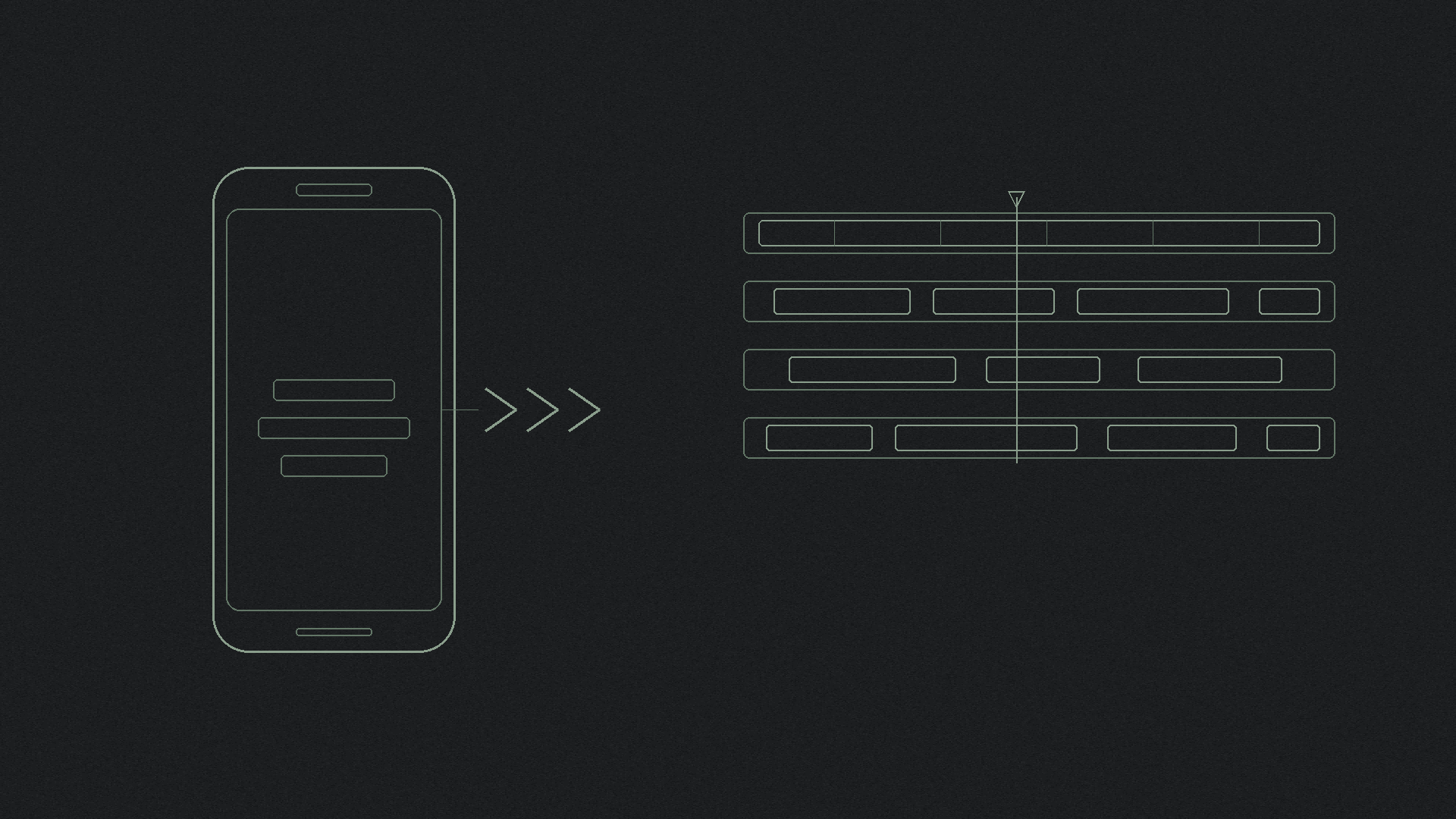
Paste a public TikTok Share link into the free TikTok script extractor, or into shinmuscat on the homepage. For a file you can drop into a notebook or docs app, download a TikTok transcript as TXT (or use the transcript downloader).
shinmuscat reads the video's own captions. It does not listen to the audio, and it does not invent speech when captions are missing. Private videos and caption-free videos fail. Limits on the live product: TikTok only, public, captions required, up to 60 minutes, free, no login.
If there is no track to read, see what to do when a TikTok has no captions. For the product line in one place, see does shinmuscat transcribe audio or read captions.
Check before you trust a line
Auto captions can misread accents, noise, or fast speech. Replay the clip before you treat a sentence as a quote. Fix obvious caption errors when you revise your notes; the transcript inherits whatever TikTok already wrote on the track.
Summarise and revise in your own words
Use the transcript as source material, not as an essay draft. Mark the hook and the two or three points that matter for your class. Rewrite those points in language you would say aloud in a seminar. Leave the creator's sharpest lines in quotation marks only when the exact wording earns its place.
Do not paste an entire script into an assignment as if you wrote it. Your notes and summaries are your work around the source.
Cite the video
When the notes leave your notebook and enter a paper, cite the TikTok the same way you would cite any short online video. Do not invent APA, MLA, or Chicago formats here. Follow how to cite a TikTok video, then check your instructor or institution guide first.
Study workflow in one pass
- Copy a public Share link for a video that already has captions.
- Paste it into the script extractor or download TXT for your notes app.
- Skim timestamps, replay shaky lines, summarise in your own words.
- Cite the video when you quote or rely on it in submitted work.
Next step
Open the free TikTok script extractor, paste a public captioned link, and build study notes from the caption track rather than from memory.
Try it on your own video
Paste a TikTok link and get the full transcript in seconds.