How to Transcribe an Interview for Qualitative Research, Privately
Transcribe a qualitative research interview privately: pick a style, check your consent form, transcribe in your browser, then add speaker labels by hand.
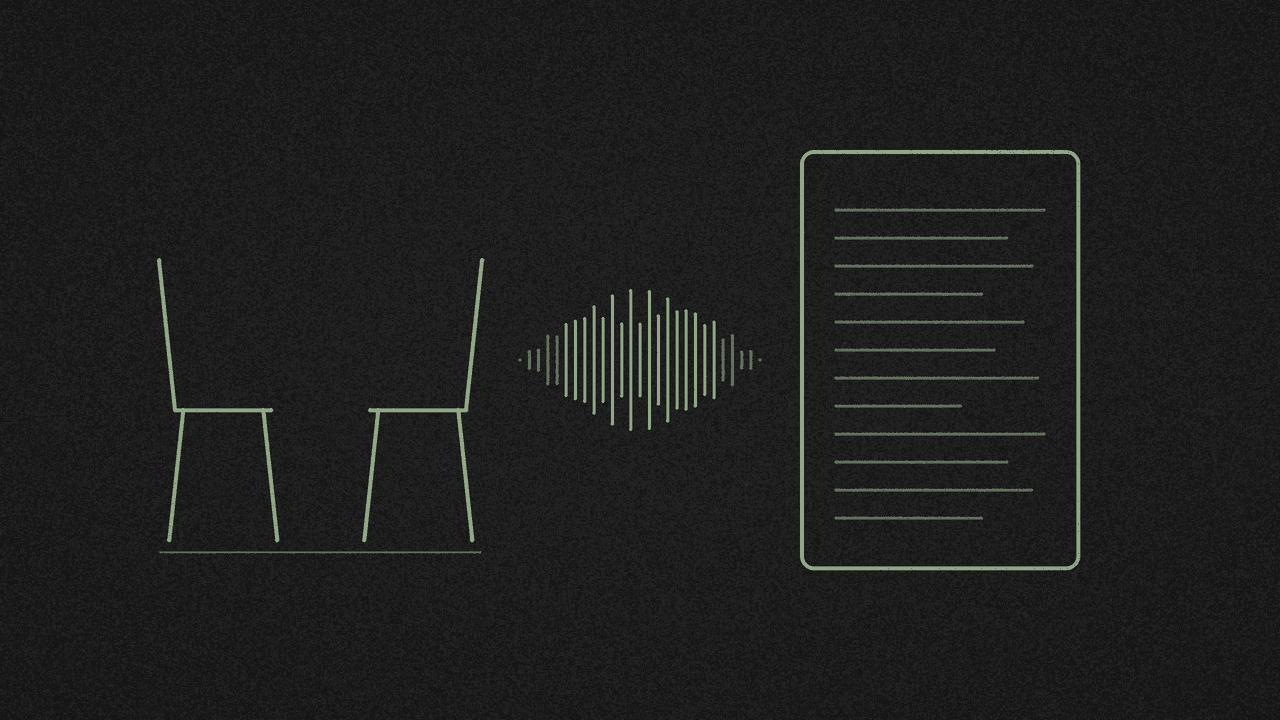
Typing up a research interview by hand is slow. The University of Bath puts it at 4 to 7 hours for an hour of audio. A speech-to-text draft cuts most of that, but with participant data, where the recording goes matters as much as speed.
Here's a way to get a first draft without sending the file to anyone, then turn it into a transcript you can analyse. This is general guidance, not legal advice. Your ethics approval, consent form and institution's rules come first.
1. Choose your transcription style first
Decide this before you start, because it changes how much editing you do later.
- Full verbatim keeps every word, plus fillers like "um" and "you know", pauses and laughter. Use it if how people speak matters to your analysis.
- Intelligent (clean) verbatim drops the fillers and false starts and keeps the meaning. It's easier to read and code.
The UK Data Service puts it plainly: how you transcribe is "intimately connected with the type of analysis that is intended."
2. Check your consent form and approved tools
Look at what your participants agreed to. Consent forms often say how the recording will be transcribed and who will hear it.
Then check your ethics board's list of approved tools. Some universities only allow transcription tools they provide or license. Bath, for example, says you "must have a data sharing agreement in place" before sending personal data to third parties outside the university, and many cloud transcription services process audio on their own servers. If you're not sure whether an in-browser tool is allowed, ask before you use it.
3. Transcribe the recording in your browser
Open the free on-device transcriber and choose the interview file. It takes MP3, M4A, WAV, MP4, MOV and other common audio and video formats, one file at a time.
The first time, your browser downloads the speech model. After that, the audio is transcribed on your computer and the file stays on your device. Keep the tab open until it finishes. A long interview takes a while, and it's quicker on a laptop than a phone.
Interviewed over Zoom? See how to transcribe a Zoom recording from its M4A file.
Got a class recording instead of an interview? See how to transcribe a lecture recording into study notes.
4. Download the right file
- TXT gives you the words only, with no timestamps. Use it as your working draft.
- SRT or VTT puts a start and end time on each line. Keep one alongside the TXT so you can find a passage in the audio when you check a quote.
5. Add speaker labels by hand
The tool doesn't tell speakers apart, so you add the labels. A common pattern from the UK Data Service is I: for the interviewer and R1:, R2: for respondents. Start a new line each time the speaker changes.
While you're in there, shape the draft to the style you chose in step 1.
6. Listen back and correct it
The UK Data Service says speech recognition output "should always be reviewed and corrected for accuracy." Play the recording and read along. Fix:
- names, places and jargon
- numbers and dates
- quiet passages, crosstalk and soft-spoken answers, which are easy to miss or get wrong
Where you can't make out a word, write (inaudible) rather than guessing. The UK Data Service's transcriber instructions ask for exactly that.
7. Pseudonymise and store it safely
Swap names and identifying details for pseudonyms or tags like [colleague 1], and keep a log of what you changed. Pseudonymised data still counts as personal data. The ICO says it "is in scope of data protection law", so store the transcript and the recording the way your data management plan says.
What stays on your computer
Your files never leave your device. Your browser downloads the speech model from Hugging Face and some supporting code from jsDelivr, and the page loads Google Analytics.
Next step
Open the free on-device transcriber, pick your interview recording and download both TXT and SRT. It's free, with no signup.
Transcribe your own recording
Open an audio or video file in the free media transcriber. It runs on your device, so nothing is uploaded. Copy the text or download TXT, SRT or VTT.