Audit Your Last 10 TikToks With AI to See What You Keep Repeating
Download the captions of your last 10 TikToks, paste them into ChatGPT and see which hooks, CTAs and phrases you repeat. We checked every quote it gave us.
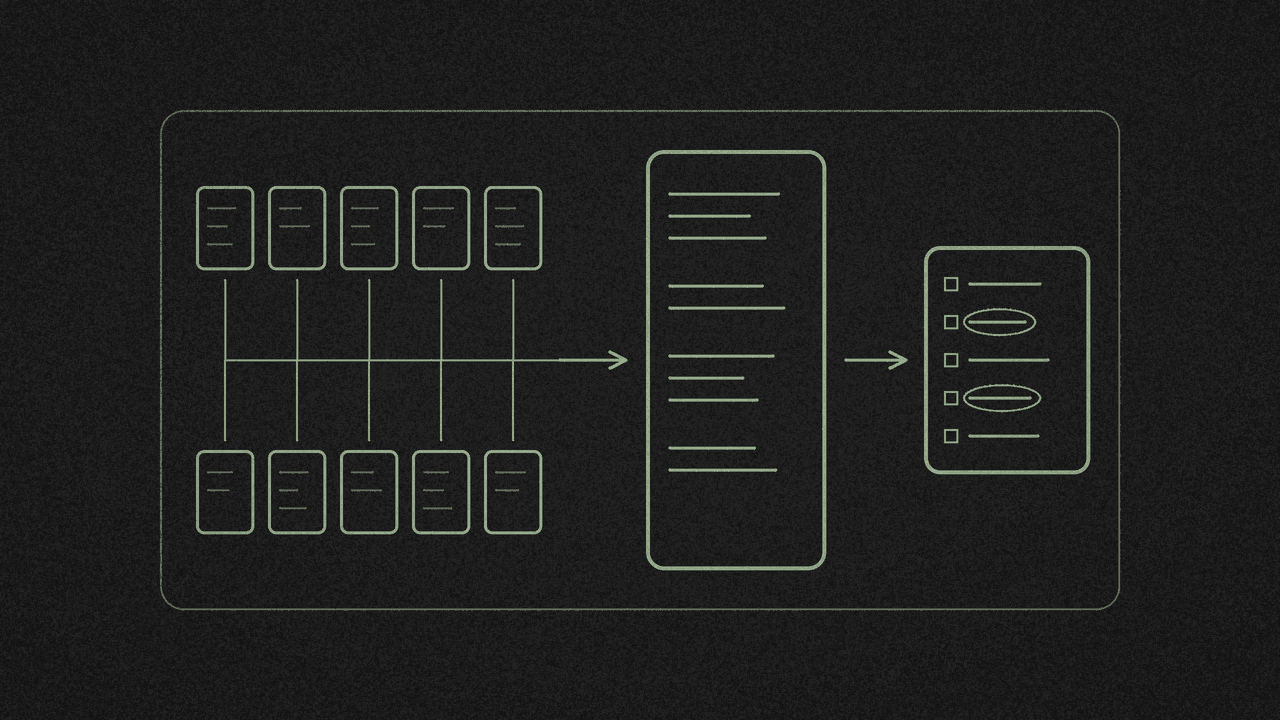
You've posted ten TikToks and you suspect they all start the same way. Scrolling back through your own grid won't tell you, because you remember what you meant to say. The caption transcripts show what you actually said. Put all ten in front of a chat AI and it can list the hooks, shapes, endings and phrases you keep reusing, then suggest one opening you haven't tried.
We ran the whole thing on 23 November. Our test catalogue was 10 public TikToks from @nasa, standing in for "your last 10", because we needed real videos anyone can check. You'll do it with your own. Here's what we found:
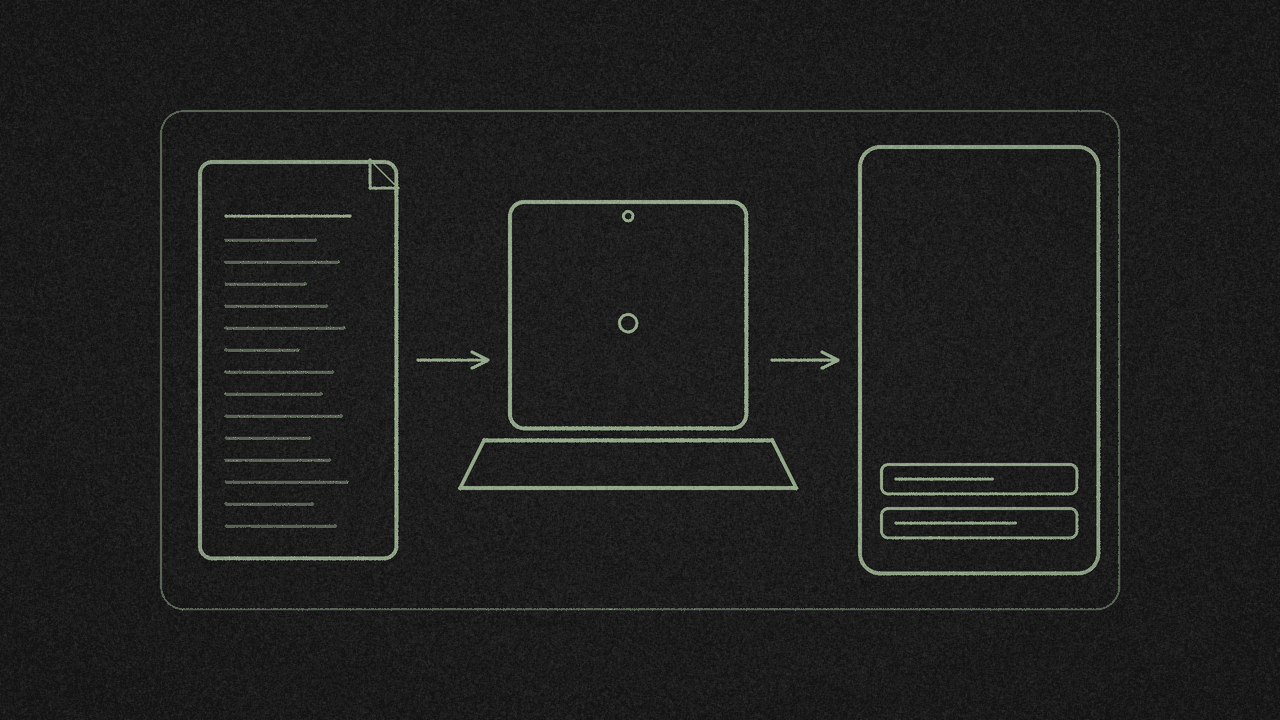
- The words come out of the TikTok script extractor as Plain text, and you paste them into the AI yourself. shinmuscat has no built-in AI and doesn't talk to ChatGPT. The tool reads the captions on public TikToks, never the audio.
- Logged-out ChatGPT gave us a real audit of all ten. It quoted an opening line for every video, including Video 10's "Dude, no way!". Nine of the ten were a single caption line, word for word. The tenth joined two caption lines into one.
- It got the big repeat right. It counted the NASA Minute sign-off in 3 videos, and that's correct.
- It was wrong about one call to action. It listed four. Three were real asks from the host. The fourth, "tell me that isn't beautiful", was someone being interviewed.
- Its "phrases you overuse" list was short. It missed "prepare for", which is in 3 videos, and parked "building" below its own threshold when the word is in 4.
- The gap it found was real. None of the ten opens with a question, and its suggested opener came from material in Video 10.
- The last result stays on screen while a new one loads. If you're working through ten links, check the result card changed before you download.
So the audit is worth running, and every quote and count needs checking against your files. Steps below.
What you need
- Links to your last 10 public TikToks that have captions.
- A chat AI you can paste about 3,000 words into. Our ten transcripts came to 2,663 words.
- A text file to collect the transcripts in.
The TikTok script extractor is free, with no signup, ads or watermark. It takes public videos up to 60 minutes long and exports TXT, SRT or VTT.
Step 1: Collect your last 10 links
In TikTok, open each video, tap Share, then Copy link. Work newest first, so Video 1 is your latest post. Use public videos only. The tool can't read private ones.
Ten is enough to show a pattern and short enough to check by hand afterwards.
Step 2: Download each transcript as Plain text
- Open the TikTok script extractor. Paste a link into YOUR TIKTOK LINK. The box shows
https://www.tiktok.com/@creator/video/...until you do. - Press Pick every word. While it works, the button reads Picking, with Opening your TikTok video and This may take a moment beside it.
- Wait for the new result. Check the handle, the length and the first line match the video you pasted.
- Press Download and pick Plain text (.txt).
- Paste the text into your file under a label: Video 1, Video 2 and so on.
Watch the old result while it says Picking. We pasted a @nasa link while a previous result was still on the page. The button said Picking, and underneath sat the last transcript in full: The whole bunch, yours., Tom Shaw's 0:15, 171-word video about Cursor, with its own embed. A new pick doesn't clear the old one. The @nasa result replaced it once it arrived. On a ten-link run, it's easy to download the same transcript twice, so wait for the handle and first line to change.
Our astronaut myths video came out as shinmuscat-nasa-7708867568920038669.txt. The result card said 1:03 and 130 words, and the file had 19 caption lines, each separated by a blank line. Plain text has no timestamps. You don't need them for this audit. If you ever do, SubRip subtitles (.srt) and WebVTT subtitles (.vtt) keep them.
Read the captions before you trust them. Under the transcript, the tool says: "Captions can miss a word or a name. Check the video before quoting." Our astronaut file shows why. It contains "To order the meatball, you do have to be a U S. Citizen." and "You must be a U S.". Those slips are in TikTok's caption track, and the AI will read them as your words. Captions on your own videos might be ones TikTok generated, which you can turn on while editing, according to TikTok's accessibility page. Fix any slip in your file before you paste.
Some videos won't export. If a video has no captions, the tool shows "We couldn't get that transcript." and "This video has no accessible captions. Audio transcription isn't enabled yet. Try a video with spoken captions." Swap in your next most recent video and note which one you skipped.
Step 3: Paste the prompt, then your transcripts
We opened logged-out ChatGPT in a private window and sent this at about 10:22 Singapore time on 23 November. The prompt came first, then all ten transcripts straight after "Transcripts:", each labelled with its number and link, newest first.
Below are the caption transcripts of my last 10 TikToks, newest first, copied as plain text (no timestamps). Audit them as my content coach.

1. Hooks: quote the opening line of each video, then group the ones that follow the same pattern. Name each pattern and say how many of the 10 use it.
2. Structures: describe the shape each video follows (for example question, explain, reveal), then group the repeats with counts.
3. Calls to action: list every ending or ask (follow, comment, link, none) with counts.
4. Phrases I overuse: words or lines that show up in 3 or more videos.
5. One gap: one hook or structure I have NOT used in these 10 that would suit my content. Give one example opening line for my next video.

Only use what is in the transcripts. Quote my words exactly, and if something is unclear, say so instead of guessing.

Transcripts:
The last line of the prompt does the most work. "Quote my words exactly" gives you something you can search for in your file. "Say so instead of guessing" gave us notes like "Video 8 also appears to begin mid-conversation", which was true.
The prompt is plain text, so it should work in Claude or Grok Bot as well. We haven't tested either for this post. Claude asked us to sign in, so we only ran it in ChatGPT. OpenAI's capabilities overview covers what ChatGPT does with text you paste in.
shinmuscat doesn't send anything to ChatGPT. You copy the transcripts across by hand.
Step 4: Read the audit
ChatGPT answered in about a minute. Here's part of it, word for word. First, the hooks:
| Video | Exact opening line | Hook pattern |
|---|---|---|
| 1 | "Whether we're exploring the farthest regions of space" | Broad thematic setup |
| 2 | "The mission is controlled at the Caltech Jet Propulsion Laboratory." | Factual/documentary opening |
| 3 | "You have to be a pilot to be an astronaut." | Myth/challenge |
| 4 | "Welcome to Max Power." | Event introduction |
| 5 | "today we are at Max Power asking people if they like the OG NASA meatball logo or the new worm logo better let's see" | Audience poll |
| 6 | "NASA is going back to the moon." | Major announcement |
| 7 | "NASA is accelerating Artemis," | Major announcement |
| 8 | "think about hundreds of square miles where we have different assets" | Interview/conversation opening |
| 9 | "From breaking records on Mars to lighting up the skies over Earth," | Broad thematic setup |
| 10 | "Dude, no way!" | Spontaneous reaction |
Then its read on them:
Hook takeaway: Your most repeated opening approaches are broad thematic setups and major announcements. Both are useful, but neither necessarily creates an immediate unanswered question.
For calls to action, it listed four:
| Video | Exact wording | CTA type |
|---|---|---|
| 5 | "today we are at Max Power asking people if they like the OG NASA meatball logo or the new worm logo better let's see" | Audience participation / poll |
| 5 | "tell me that isn't beautiful" | Direct audience prompt |
| 7 | "Be sure to watch the full Artemis acceleration update for more information about the hardware, mission plans, and the teams making it all happen." | Watch more |
| 9 | "Tune in on Friday at two PM Eastern." | Tune in / scheduled content |
It counted zero follow, comment, link or share asks. For phrases in 3 or more videos, it found two:
| Phrase | Videos | Count |
|---|---|---|
| "We'll see you next time" | 1, 7, 9 | 3 |
| "NASA minute" | 1, 7, 9 | 3 |
And the gap:
But none of the 10 begins with a direct question designed to make the viewer immediately curious about an answer.
Its suggested opener for the next video was "What does it actually look like when a meteorite hits the Moon?"
It ended with this caveat:
One caveat: this is an audit of the supplied transcripts, not an assessment of actual video performance. I can't determine which hooks retained viewers, generated shares, or converted followers without performance data.
That's right. Views and watch time live in TikTok's own analytics, which Creator Academy's analytics guide walks through. This audit tells you what you say, and the numbers there tell you how it landed.
Step 5: Check every quote and count
We went back through the 2,663 words of transcripts line by line. Here's how ChatGPT did.
- Openers: 9 of 10 exact. Nine quotes are one caption line, character for character. Video 5's "opening line" is caption lines 1 and 2 stuck together. The words are right, but it's more than the first line. It invented no openers, and it named all ten videos.
- Repeated shapes: right. It paired Videos 1 and 9 as news roundups and Videos 6 and 7 as explainers. The transcripts back both.
- Sign-off: right. Videos 1, 7 and 9 all end on "We'll see you next time on the NASA minute."
- CTAs: 3 of 4 real. "tell me that isn't beautiful" comes straight after an interviewee's line, "worm till I die I made a LinkedIn post about the worm look". The interviewee was talking about their own post. NASA wasn't asking viewers anything there.
- Phrases: two missed. "building" is in 4 videos (1, 4, 6 and 7), and ChatGPT put it below the 3-video line with "particularly Videos 6 and 7". It didn't list "prepare for" at all, which turns up in Videos 6, 7 and 9: "to prepare for a sustained human presence.", "to prepare for flight." and "and prepare for future human exploration."
- Gap: real. We read the first three caption lines of every video. None is a question.
- Suggested opener: grounded. It's new wording, as the prompt asked. It comes from Video 10, where the transcript has "Oh, I just saw a meteorite." and "Impact flashes are caused by micrometeorite impacts hitting the moon."
So check yours the same way, with your transcript file open:
- Search for every quote. Pay extra attention where short caption lines might have been joined.
- Ask who's speaking in each CTA. If you film interviews or street polls, the AI can mistake a guest's line for your ask.
- Count the phrases yourself. Search your file for each word or line the AI names, then look for ones it missed. Ours missed "prepare for", which is in three.
- Confirm the gap. Read your ten openings and make sure none already does what it suggests.
- Check the suggested line uses your topics. It shouldn't add a fact or a number that isn't in your transcripts.
Step 6: Try the gap once
Pick one finding to act on. For our ten, the obvious ones were a question as the opening line, and an ending that asks viewers to do something, since none of the ten asked anyone to follow, comment or share.
Write the next video's first line in that shape, using a topic you've already covered. Post it, then run the audit again when you have ten new ones and see whether the pattern moved.
Limits
- One catalogue, one run. This was 10 @nasa videos and one ChatGPT answer. Your AI will give a different answer for your videos, and might give a different one if you ask twice.
- Captions only. The audit sees the words in the caption track. It can't see your visuals or on-screen text, or hear anything the captions missed.
- Claude and Grok Bot are untested here. The prompt should paste into either, but we didn't run it there for this post.
- No performance data. The AI can tell you what you repeat. It can't tell you which hook worked.
Next step
Copy the links to your last 10 TikToks, pull each one through the TikTok script extractor as Plain text, and paste them into ChatGPT after the prompt above. Want to compare hooks by hand first? Pull insights from a few TikToks in a notes app. Found a shape you want to build on? Here's how to turn TikTok transcripts into your own script with AI.
Want the lines laid out as a script?
Paste a public captioned TikTok into the free TikTok script extractor. It reads the caption track and returns timestamped lines, hook to close. No audio transcription.