Turn Your Own X Video Into a Reels or Shorts Script With AI
Turn your captioned X video into a 45-second Reels or Shorts script with AI. ChatGPT cut 519 words to 115, but changed some wording. Check it before filming.
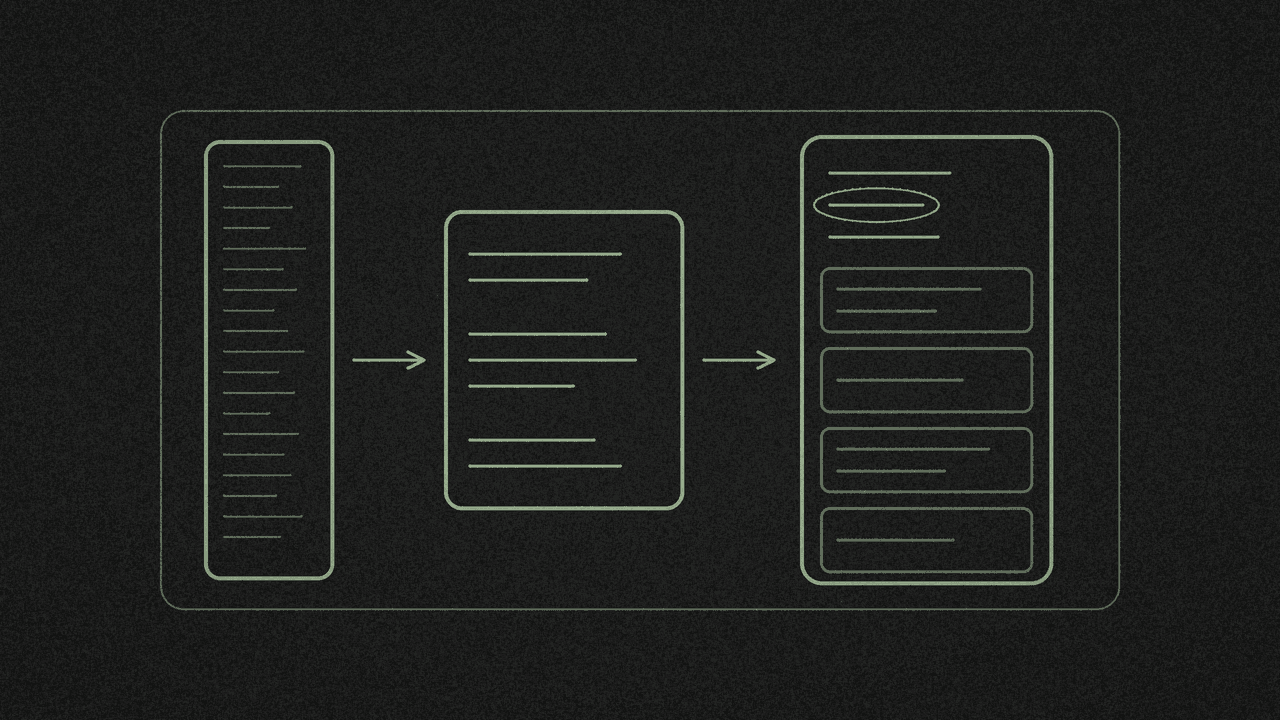
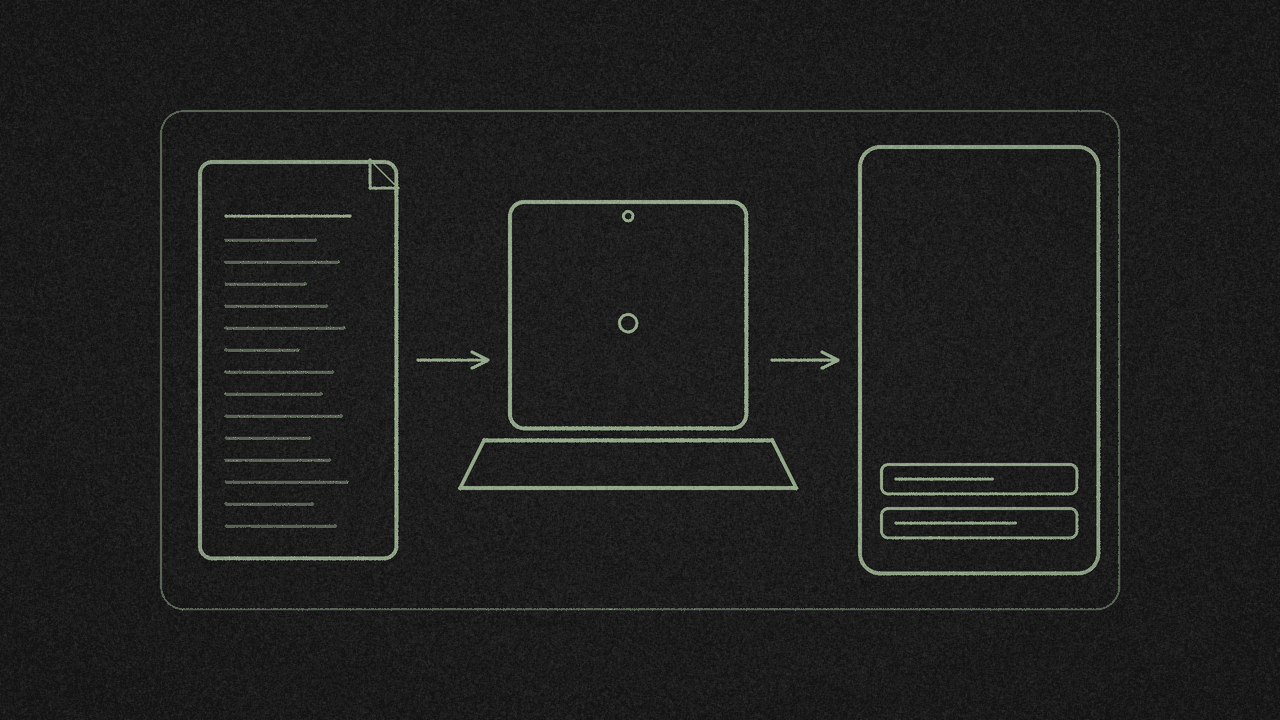
You posted a long, rambling video on X and you want a tighter version for Instagram Reels or YouTube Shorts. You don't need to rewatch it and write from memory. Download the captions as text, paste them into a chat AI with a prompt that asks for a 45-second script and a stronger hook, then check every line against your captions before you film.
We ran the whole thing on 24 November. For the test we used @levelsio's public 2:54 X video, a captioned charger review, standing in for "your own X video". You'll run it on yours. Here's what we found:
- The captions came out of the X video transcriber as Plain text, and we pasted them into ChatGPT by hand. shinmuscat has no built-in AI and doesn't talk to ChatGPT or any other chat AI.
- Logged-out ChatGPT cut 519 words of captions to a 115-word spoken script. We asked for 100 to 130 words. It labelled the script "APPROX. 115 WORDS", and our recount came to exactly 115.
- All three new hooks were under 12 words. They came to 9, 7 and 8 words.
- It didn't invent the product details. The post text under the video names the "Anker Prime 160W" and Apple's "140W" charger. The captions only say "this one by Anker". ChatGPT, given the captions alone, wrote "Anker" and left out "Anker Prime", "140W" and "122W" in the spoken lines.
- It did change some words. All three hooks say "charger", a word that never appears in the captions, where he says "adapter". It also added "huge", "doesn't match", "all my chargers" and a closing "What do you think?".
- The tool keeps your last transcript on screen. It reopened our previous one on a return visit, and kept it showing under an error when we pasted a link with no video.
So the draft is a good first pass, and the wording needs a check before you film. Steps below.
How this differs from our LinkedIn guide
We've already shown how to turn your own X video into a LinkedIn post and a thread with AI. That guide asks a chat AI for written posts, a LinkedIn post and a short X thread, and it tested the steps on NASA's public 1:03 astronaut recruitment video.
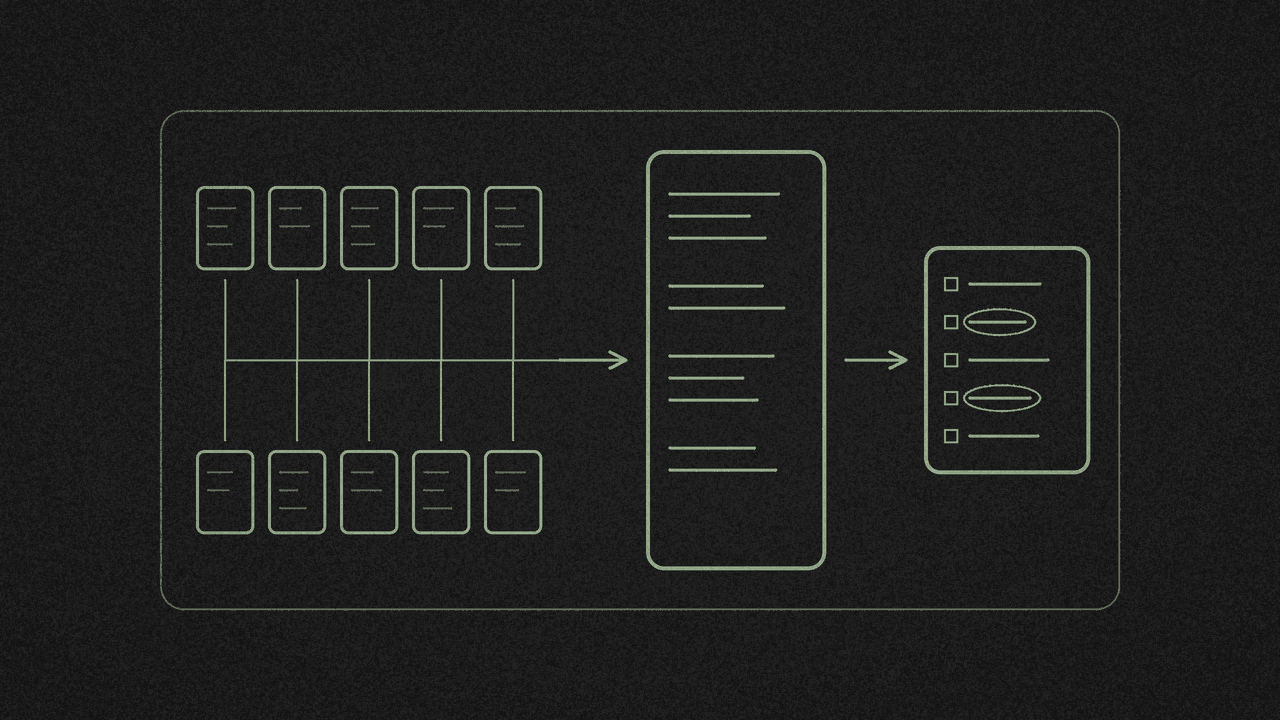
This one reworks your own X video into something you say out loud: a shorter spoken script for Reels or Shorts, with beat markers, three new opening hooks and a list of what got cut. You end up with lines to film, and the checks are different too. A spoken script has to sound like you, so changed words matter more.
If you want a script built from other creators' videos instead, see how to turn viral TikToks into your own script with AI, then record it. This guide starts from your own X video and stops at the script.
What you need
- A link to your own public X post with a captioned video in it.
- A chat AI you can paste about 700 words into. Our prompt and captions together came to 667 words (3,579 characters).
- Your caption file open while you check the draft.
The X video transcriber is free and needs no shinmuscat account or X login. It takes public videos up to 60 minutes long and exports TXT, SRT or VTT.
Step 1: Get your captions as Plain text
- Open the X video transcriber. The large line at the top reads Every word. / Straight from X.
- On X, copy your post's link. Paste it into YOUR X LINK. The hint underneath says Public videos · up to 60 min.
- Press Pick every word. The button reads Picking while it works. Our result came back in under two seconds.
- Check the result card. Ours said 2:54 · 519 words · English, with Original X captions as the source and 86 segments · Captions extracted at the bottom. If your card shows any source other than Original X captions, stop and pick a different video. This guide covers captioned X videos only.
- Press Download and pick Plain text (.txt).
Our file came out as shinmuscat-levelsio-2121335377902588352.txt, 2,705 bytes, with 86 caption lines separated by blank lines. Plain text has no timestamps, which is fine for a script. If you want timed quotes later, for example to find the clip you're cutting from, also download SubRip subtitles (.srt) or WebVTT subtitles (.vtt).
Three things caught us out:
- Your last transcript is already on the page. On a return visit, the tool showed our previous result in full, a NASA video at 1:03 and 116 words, under an empty link box. That's normal. Paste your new link and wait for the card to change.
- A failed link doesn't clear the old result. We pasted a text-only post from @wesbos. The tool said "We couldn't get that transcript." and "That post doesn't have a video. Paste a link to an X post with a video in it." The NASA transcript stayed visible underneath. Before you download, check the handle and length belong to your video.
- Copy has no timestamps, even with Timestamps on. The Timestamps switch only changes what you see on the page. Copy gives the same plain text as the TXT. For times, use the SRT or VTT download.
Under the transcript, the tool also says "Captions can miss a word or a name. Check the video before quoting." Read through your file and fix any slip before you paste it. The AI will treat every word as yours.
Step 2: Paste the prompt, then your captions
We opened logged-out ChatGPT in a private window and sent this at 09:58 Singapore time on 24 November, with the full caption text straight after "Transcript:".
Below is the plain-text caption transcript of my own 2:54 X video (519 words). Turn it into a tighter 45-second Instagram Reels / YouTube Shorts script I can film to camera.

Requirements:
1. Give me 3 stronger opening hook options (each under 12 words) to replace my slow opener, then pick the sharpest one for the script.
2. Write the full spoken script (100 to 130 words, about 45 seconds at normal speaking pace) using beat markers like [0-3s Hook], [3-15s Problem], [15-35s Proof], [35-45s Close].
3. Cut filler words and tangents, but keep only facts, specs and opinions I actually said in the transcript. Do not invent numbers, prices, model details or features.
4. Keep my casual tone, and end with one natural, low-pressure closing line or question (no cheesy "smash that subscribe button").
5. List 3 things you cut from the original video and why.

Transcript:
Change "2:54" and "519 words" to your own video's length and word count from the result card.
Requirement 3 does the most work. It tells the AI to keep only what you said, so anything new in the draft stands out when you check it.
ChatGPT showed a "Log in for more personalized help" banner under the answer, and the answer still came through as normal text. OpenAI's ChatGPT home page help says you can use ChatGPT before creating an account, and that "Access may vary by location or network". The prompt is plain text, so it should work in Claude or Grok Bot as well. We haven't tested either for this post. Claude asked us to sign in, so we only ran it in ChatGPT.
Step 3: Read what came back
ChatGPT answered in a few seconds. These are its three hooks, word for word:
- "Apple, why does my MacBook charger look like this?"
- "Apple got the MacBook charger completely wrong."
- "I found the charger Apple should have made."
It picked Hook 1. The saved answer reads "My pick: Hook 1It's the strongest", with a space missing, so tidy formatting slips like that before you paste lines anywhere.
Here's the spoken script, word for word, under its four beats.
Hook (0 to 3s): "Apple, why does my MacBook charger look like this?"
Problem (3 to 15s): "You get a black cable with the dark gray MacBook Pro, but then Apple gives you this huge, heavy white adapter. It just doesn't match."
Proof (15 to 35s): "So I found this one from Anker. Not sponsored, by the way. It's 160 watts, enough to power my 16-inch MacBook Pro, and look how small it is. It folds up, matches the MacBook, and even has a display showing how much power you're pulling. You can also plug in another cable to charge your iPhone."
Close (35 to 45s): "And honestly, look at the size difference. I've replaced all my chargers with these. This is what Apple should have made. What do you think?"
It listed three cuts:
| Cut | Why, in ChatGPT's words |
|---|---|
| The Steve Jobs comment | "Funny, but doesn't add anything to the product demonstration." |
| The extended display demonstration (122W, screen controls, turning it off at night) | "Too much detail for 45 seconds. The power display is enough to communicate the feature." |
| The filming struggles, repeated disclaimers, and Apple should buy Anker tangent | "Breaks the pacing. One quick non-sponsored mention preserves your credibility." |
We checked all three against the captions. Each one is a real stretch of the original video. It also added filming tips we didn't ask for, such as starting with "the mismatched cable and adapter already in frame". Use them if they suit you.
Step 4: Check the wording before you film
We went through the script line by line against the 86 caption lines. Most of it holds up. "This is what Apple should have made." is his exact line. "Look at the size difference" is close to his "look at the difference in size". The specs in the script are all in the captions: 160 watts (he says "hundred sixty watts"), the 16-inch MacBook Pro, dark gray, folding, the power display and charging an iPhone.
These parts are new:
- "Charger" in every hook. He says "cable" and "adapter". "Charger" isn't in the captions at all.
- "Huge". He says "really clunky", "super big" and "very heavy and annoying to carry". "Huge" is only in the post text, which ChatGPT never saw.
- "It just doesn't match." He complains about a black cable going to a white adapter, but never says those words.
- "I've replaced all my chargers with these." He says "So I've replaced all these with these".
- "What do you think?" The prompt asked for a closing question, so ChatGPT wrote one. He didn't say it.
- Small additions. "And honestly", "by the way" and "my 16-inch" are new. "By Anker" became "from Anker".
None of these are wrong facts, and some read better than the original. But if you film them, you're saying words you didn't say before, so make that choice on purpose. Here's how to check yours, with your TXT open:
- Search for every spec, name and number in the hooks and script. Check them against the captions, never against your memory or the post text.
- Look for new words that sound like facts. Ours were "charger" and "huge".
- Decide on the new hook and close. You asked for them, so keep, rewrite or drop each one deliberately.
- Recount the spoken words if you asked for a range. Count only what you'll say, without the beat labels. Ours happened to match the AI's label.
- Add facts from your post text yourself. If you want "Anker Prime" in the script, type it in. The captions never said it, so the AI correctly left it out.
Step 5: Film it
We asked for 45 seconds to force the cuts. Both platforms allow longer. YouTube's Shorts help page says "You can now create YouTube Shorts up to three minutes in length." Instagram's Reels help page says you can record reels up to 20 minutes, with a note: "Reels over 3 minutes won't be recommended to new audiences."
Read the script aloud once before you record. If a line doesn't sound like you, swap in your original words from the TXT.
Limits
- Captions only. The tool reads a video's X caption track. Check for Original X captions on the result card before you download.
- Not every post works. Spaces, live broadcasts, private or protected accounts, GIFs and posts with no video won't give you a transcript.
- Speech only. Captions hold what was said. Text on screen and visuals aren't in the transcript, so the AI can't use them.
- One video, one run. This was one 2:54 video and one ChatGPT answer. Ask twice and you may get a different script.
- Links and privacy. The X video transcriber sends your link to shinmuscat's server to fetch the captions. Apart from that and the TikTok script extractor, shinmuscat's tools run in your browser. shinmuscat isn't affiliated with X or TikTok.
Next step
Paste your own captioned X video into the X video transcriber, download the Plain text file and run the prompt above. Then check each line against your captions before you film. Want written posts from the same video? Here's how to turn your X video into a LinkedIn post and a thread with AI.