Turn a Client Brief PDF Into a Shot List With ChatGPT, Then Check What It Missed
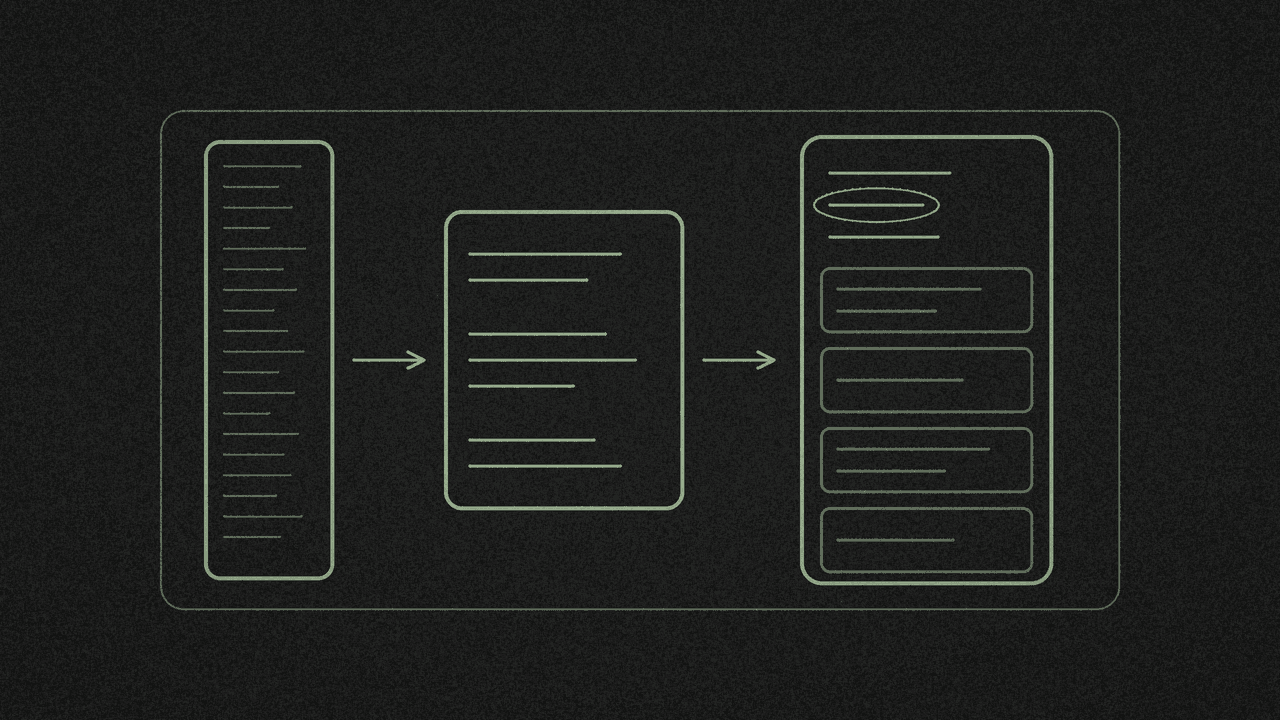
Export a brand brief PDF as plain text, fix the table, paste it into ChatGPT for a shot list, then check it. We ran it once and show every mistake it made.
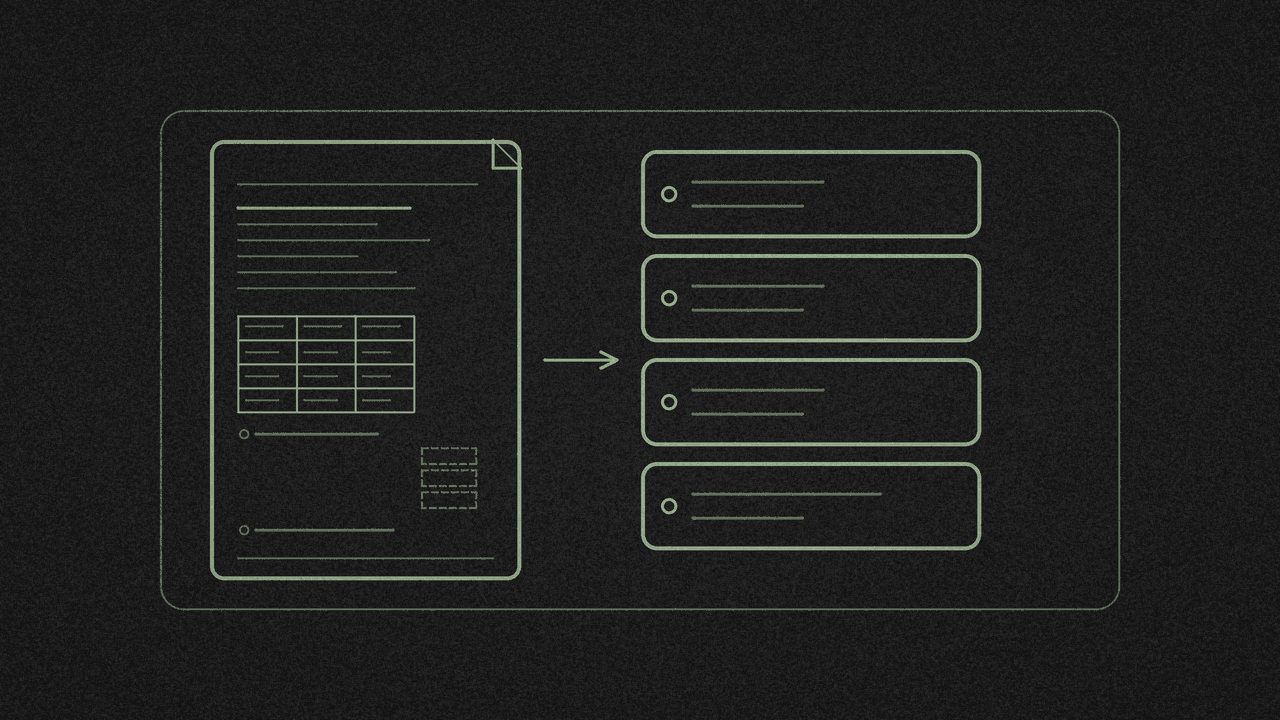
A brand sends you a brief as a PDF. Somewhere in its pages are the shots they insist on, the line you have to say, the ad label rules and the due dates. You want a shot list you can film from, and ChatGPT can draft one if you give it the text.
We ran that loop on 27 November. We wrote a two-page brief for a made-up cold brew brand, Kopi Lane, so it holds no real client data. We opened it in the PDF tool, exported it as plain text, pasted the text into ChatGPT with the prompt below and checked the answer line by line against the brief.
Here's what we found:
- The text export pulled the table apart. Our brief's deliverables table has a Due date column. In the .txt, the three dates landed on their own lines between two Do and Don't bullets, away from the deliverables they belong to.
- The header and footer repeat. Both show up once per page, page number included. ChatGPT reads all of it unless you delete it.
- A scanned brief gives you nothing. The PDF tool has no OCR. On a scan it downloads no file and shows an alert.
- ChatGPT got the hard parts right. All four mandatory shots, the spoken ad label inside the first 5 seconds, the exact closing line and link, and every date.
- It also slipped four times. It headlined a 40 second runtime over shots that add up to 35. It left the discount code out of the closing shot. It wrote "Instagram" where the brief says "the platform". Its list of what the shot list doesn't cover skips the fee and the payment terms.
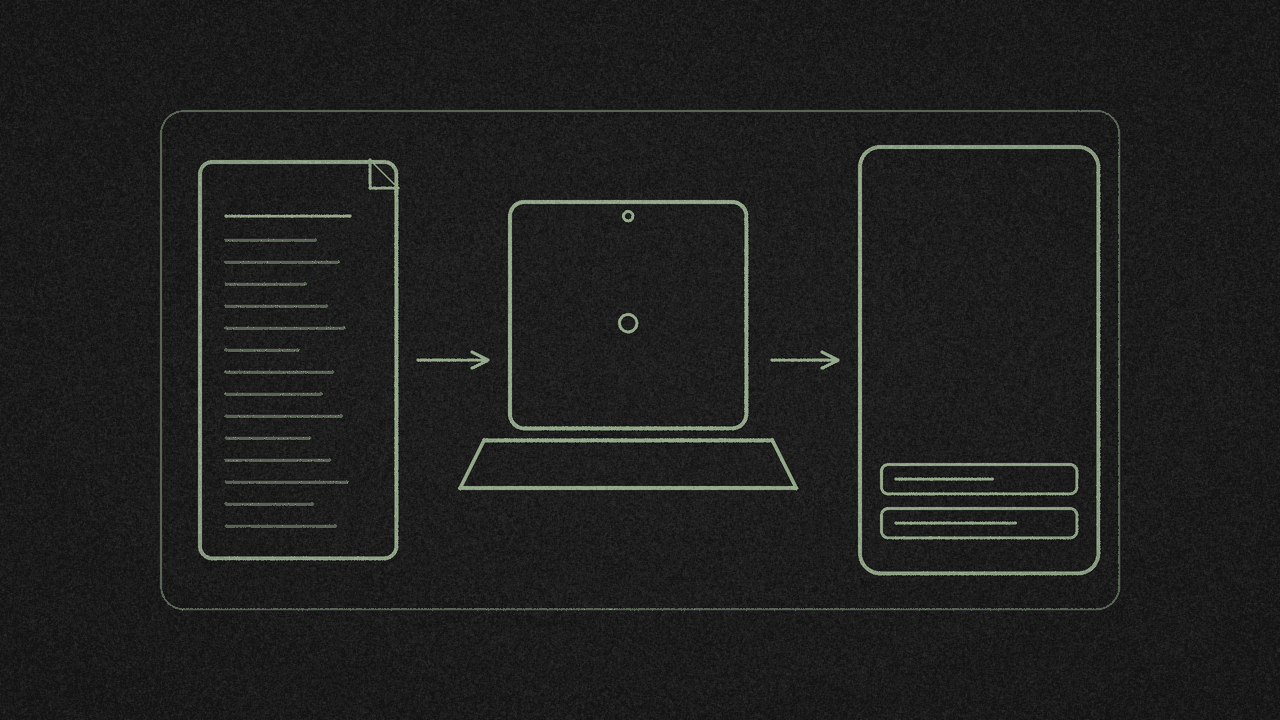
shinmuscat has no built-in AI and no link to ChatGPT. The PDF tool turns your PDF into text, and you copy that text into ChatGPT yourself.
What you need
- The brief as a PDF with selectable text. A scan or a photo of a printed page won't work.
- A desktop browser for the PDF tool.
- ChatGPT, and the PDF open beside you for the check.
Step 1: Export the brief as plain text
- Open the PDF tool and drop your brief on Choose a PDF or drop it here.
- Stay on View. You'll see Opening your PDF, then your file name, page count and size above the pages.
- Under Export as, pick Plain text (.txt) and press Export.
Our brief came out as sample-brief.txt, 3.2 KB. The same menu also offers PDF (.pdf), Word (.docx), PNG images (.png) and JPG images (.jpg). Our guide to extracting all the text from a PDF covers this export in more detail.
The upload box says "Your file is read in this browser tab and is never uploaded."
Step 2: Fix the .txt before you paste
Rebuild the table. Our table has four columns: Deliverable, Length, Format and Due date. The first three came out as plain lines with spaces between the cells, such as "1 vertical hero video 30 to 45 sec 9:16, MP4". The Due date column broke off. "Due date", "Fri 11 Dec 2026", "Wed 16 Dec 2026" and "Fri 11 Dec 2026" sat on their own lines between the third and fourth Do and Don't bullets. They kept their order, but nothing in the file says which date goes with which deliverable.
ChatGPT still got our dates right, because section 10 of our brief lists every date again in plain sentences. If your brief only gives the dates in a table, nobody reading the .txt can tell which is which. Open the PDF next to the .txt and type each date back beside its deliverable.
Delete the repeated header and footer. Our header line, with the brand name and "Confidential", appeared at the top of both pages. The footer, with a brief reference and an email address, appeared at the bottom of both. The page number sat on its own line on page 1 and was glued to the end of the footer on page 2. The tool adds no page markers of its own. Delete these lines, or they become part of what ChatGPT reads.
Expect odd line breaks. The export put a blank line after every line, broke page 1 sentences where the PDF wrapped them, and joined page 2 headings to their paragraphs, like "9. Tone Warm, calm and a bit funny."
Cut what ChatGPT doesn't need. Our brief had a fee, payment terms and a contact name. A shot list needs none of them, so delete them before you paste.
Another PDF may export better or worse, so check your own table.
Step 3: Paste it into ChatGPT with this prompt
Paste this prompt, then your fixed brief text under it, in one message:
You are helping a freelance video creator plan a shoot. Below is the text of a client brief, copied from a PDF. Turn it into a shot list for the main vertical video as a table with columns: Shot #, Section (Hook, Body, B-roll, CTA), What we see, What is said or shown on screen, Length (seconds), Brief requirement it meets. Start with 1 to 3 hook shots for the first 3 seconds. Include every mandatory shot from the brief, b-roll shots, and an end CTA shot with the link or code from the brief. Put the ad disclosure where the brief asks for it. Keep the total within the length the brief sets. After the table, list anything in the brief that the shot list does not cover, and any questions to ask the client. Do not invent facts that are not in the brief.
The last column, Brief requirement it meets, makes the check easier. Every shot has to point at a line in the brief, so a shot with no reason stands out, and so does a requirement with no shot. StudioBinder describes a shot list as "a kind of checklist" for the shoot,.
We ran the prompt once, logged out, in an incognito window, at about 09:59 Singapore time, and didn't regenerate or edit the answer. The page didn't show which model answered. Our test computer has no clipboard, so a script typed in the unedited .txt, broken table and all. ChatGPT got the same message a paste would give it.
What ChatGPT got right
ChatGPT returned a 10 shot table with the six columns we asked for. After it came posting notes, a "not covered" table, seven questions for the client and a delivery timeline.
- The four mandatory shots. The can opened with its sound in the first 3 seconds, a close-up of the label, the first sip on camera, and your face or voice in the first 2 seconds. Shots 1, 2, 4 and 7 cover them. The can opening runs from 2 to 3 seconds, so it only just fits.
- The ad label. The brief asks for "ad" or "paid partnership" said in the first 5 seconds. Shot 1 opens with "Ad". The posting notes also put the label at the very start of the caption, as the brief asks.
- The brand name. The brief wants "Kopi Lane" said in the first 10 seconds. Shot 3 says it at 3 to 6 seconds.
- The closing line. "Try your first can at kopilane.example/slowmornings." matches the brief word for word.
- The dates. Rough idea Fri 4 Dec 2026, feedback Wed 9 Dec, hero video and raw clips Fri 11 Dec, Stories Wed 16 Dec, posting 17 to 23 December. All correct, weekdays included.
What ChatGPT got wrong
The runtime doesn't add up. The answer says "Target runtime: 40 seconds." near the top. Its shot lengths add up to 35, and its own sum further down says 35 too. Our brief asked for 30 to 45 seconds and never set a 40 second target. Both numbers fit, but plan around the headline and you plan the wrong length.
The discount code is in no shot. Our brief says "Use the code SLOW10 for 10% off". The prompt asked for a closing shot "with the link or code from the brief". ChatGPT used the link only, moved SLOW10 to its "not covered" table and asked the client where the code should go. It flagged the gap, but anyone filming straight from the table would leave the code out.
It named a platform the brief didn't. The answer says "Use Instagram's paid partnership label." Our brief says "the platform's paid partnership label". It names Instagram for the Stories and as one place the brand may reuse the video, but never says where the hero video goes up.
The money is missing. Our brief sets a flat fee, paid within 14 days of the final post going live. Neither appears anywhere in the answer, including the "not covered" list. The usage rights only turn up as a question.
Two questions are already answered. One asks the client to confirm the usage rights, which section 11 spells out. Another asks whether the client should approve the hook first, when the brief already has a rough idea due on 4 December and feedback on 9 December. The other five questions are real gaps.
The spoken lines in shots 1 and 9, and the kitchen or bedroom setting, are ChatGPT's own suggestions. Change them to suit how you talk. Shot 1 packs ten words into 2 seconds, so say it out loud before you trust that timing.
Step 4: Check the shot list against the brief
With the PDF open, go through the answer before you film:
- Add up the shot lengths and compare the total with the brief. Ignore any runtime the answer states.
- Tick off every mandatory shot, and check each sits at the second the brief asks for.
- Find the ad label in the shots and the caption notes.
- Compare the closing shot with the call to action: line, link and code, word for word.
- Check every date against the PDF, since the table may have broken in the .txt.
- Read the "not covered" list against the brief. Look for money and usage rights.
- Strike out questions the brief already answers before you send the rest to the client.
If your brief is a scan
The PDF tool has no OCR. When we exported a scanned copy of our brief as Plain text (.txt), no file downloaded and the tool showed this alert:
That did not work. This PDF has no selectable text, so it looks like a scan or a set of images. There is nothing to convert to text. Export it as PNG or JPG images instead.
Picture exports won't give you words. Ask the client for the original text PDF or a Word file, or type the key points out yourself.
Where your brief goes
The PDF tool works in your browser tab, so the PDF stays on your computer. The text you paste into ChatGPT goes to OpenAI.
ChatGPT takes PDF uploads too. OpenAI's file upload help page lists PDF and TXT among supported files, and as it read on 27 November it says "Free users are limited to 3 file uploads per day." We didn't test an upload, so we can't say whether it gives a better shot list. Pasting gives you two things we can show: you see exactly what ChatGPT will read, and you can delete lines before it reads them.
Our made-up brief was marked confidential, and real ones can come with an NDA. If yours does, ask the client before you put any of it into an AI tool, or paste only the parts the shot list needs. We haven't read your contract, so take this as a caution, and get proper advice if you're unsure.
The ad label
The UK's ASA says in its influencers' guide to making clear that ads are ads that "The disclosure should be at the very beginning of the advertising content", and warns against disclosing "part-way through a video". It also asks you to label each story when an ad runs across several.
That's UK guidance. Our made-up brief is set in Singapore, and we didn't check Singapore's rules or anyone else's. Check the rules where you post. ChatGPT put the spoken label in shot 1 and added no on-screen label, which our brief didn't ask for.
What we didn't test
- A second run. Ask again and you may get a better or worse list.
- Other briefs. Two columns, forms or a contents page may export differently.
- Uploading the PDF to ChatGPT, or a signed-in or paid account.
- Long briefs. For a brief that runs to dozens of pages, split the PDF into sections first and export one at a time.
Next step
Open the PDF tool, set Export as to Plain text (.txt) and press Export. Rebuild the table, delete the header and footer lines, paste the text under the prompt above and check the answer against your PDF before you film.
Turn your PDF into a .txt file
Open a PDF, set Export as to Plain text (.txt) and click Export. Pages without selectable text are left out. Your PDF isn't uploaded.