Fix Auto Captions With ChatGPT Before You Put Them on Your Video
Fix auto captions with ChatGPT before they go on your video. In our test it took 131 of 144 words to 137, and missed two cues. Check every line, then import.
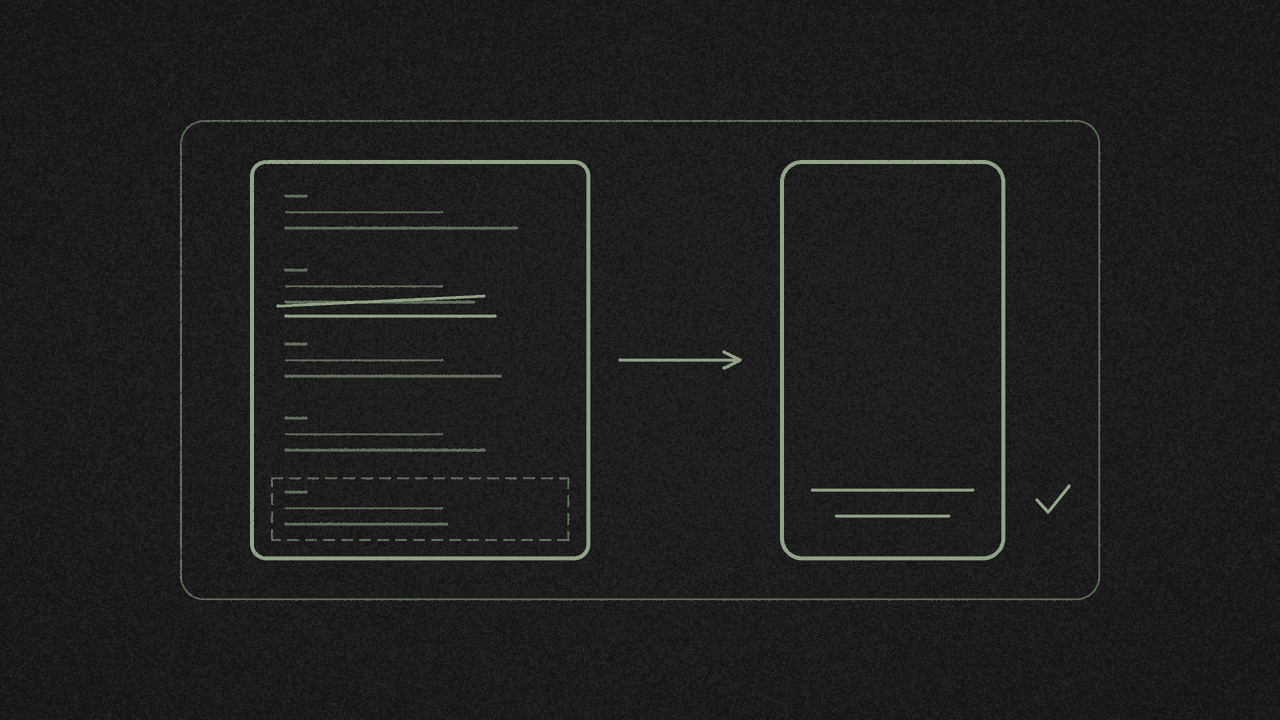
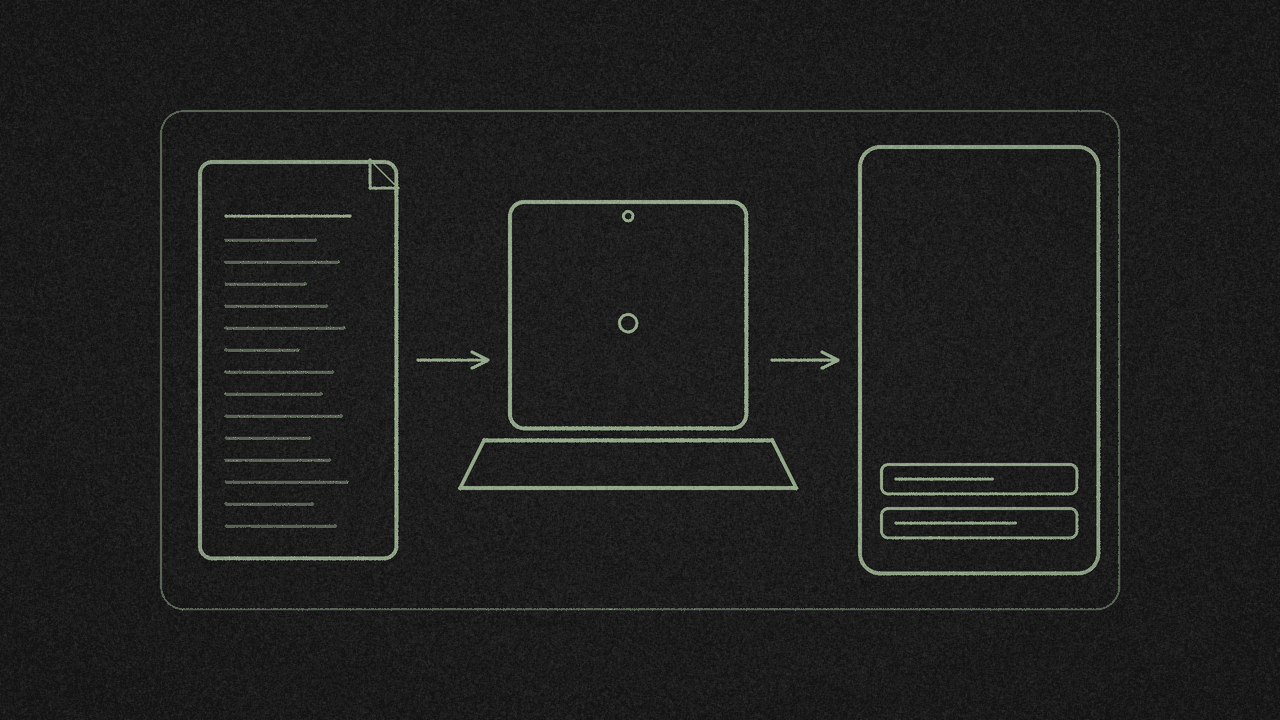
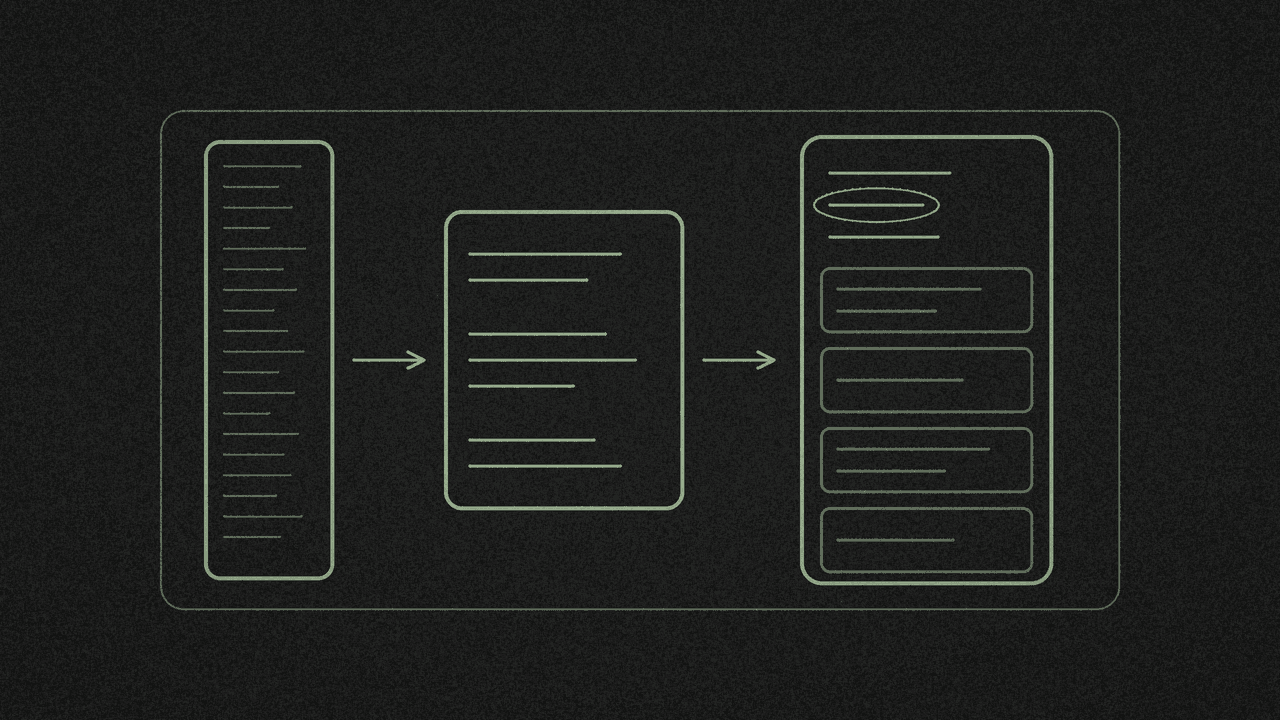
Auto captions get names, dates and numbers wrong. Once the words are burnt into your video, every mistake ships with it. Here's a free loop that catches most of them: transcribe your video, let ChatGPT fix the SRT, check it yourself, then fix what's left in the video editor.
We ran the whole loop on 20 November with "An EPIC eclipse view", a 59-second clip from NASA's Scientific Visualization Studio. NASA publishes its own caption file for it, so we could mark every version against the real words. What we found:
- ChatGPT helped, and it didn't finish the job. Our raw transcript matched 131 of the 144 words in NASA's own captions. After ChatGPT, 137 matched.
- It fixed the date, the names, "solar" and "2045". "April 8th, 24" became "April 8, 2024". "epic" and "discover" became "EPIC" and "DSCOVR". "solo eclipse" became "solar eclipse". "245" became "2045".
- It left one line wrong. Cue 4 still said "the past and front of the Sun". NASA's captions say "pass in front of the Sun". ChatGPT flagged the line and guessed "path in front", which is also wrong.
- It kept a line nobody said. The transcript ended with a "Thank you." cue that isn't in NASA's captions. ChatGPT kept it and didn't flag it.
- It kept every timestamp. All 14 cue numbers and all 14 time lines came back unchanged.
- Clicking a caption doesn't move the playhead. In the editor you have to drag the playhead into the cue to see the words on the picture.
Both tools are free, with no signup, and run on your device. shinmuscat has no ChatGPT button. You copy the SRT into ChatGPT yourself, and that's the only point where your words leave your device.
Step 1: Transcribe your video
Open the media transcriber and click Choose an audio or video file, or drop the file on the box. It lists "MP3, MP4, MOV, MKV, WebM, M4A, WAV, OGG, FLAC and more."
The page says "Everything runs on your device. Keep this tab open until it finishes." Our test computer had no graphics card, and the tool still finished. It showed "Running on your processor. Long files take a while, so keep this tab open." Our 59-second clip took about 11 to 12 seconds, with the speech model probably already saved in the browser from an earlier run. A longer file, or a first run, will take longer.
When Transcript appears, open Download and pick SubRip subtitles (.srt). The menu also has Plain text (.txt) and WebVTT subtitles (.vtt). You want the SRT, because each line keeps its number and its times. Not sure which file is which? See SRT vs VTT.
Our SRT had 14 cues. Here are four of the ones that went wrong, as the transcriber wrote them:
3
00:00:07,000 --> 00:00:12,000
On April 8th, 24 people across North America witnessed the moon

4
00:00:12,000 --> 00:00:16,000
with the past and front of the sun, casting its shadow on Earth.

13
00:00:52,210 --> 00:00:56,090
US traveling from coast to coast will be in 245.

14
00:00:56,300 --> 00:00:58,300
Thank you.
Step 2: Ask ChatGPT to fix the wording
We used ChatGPT logged out, in a private window, in a new chat, at about 10:08 Singapore time on 20 November. No model name was shown. We pasted this prompt, then the whole SRT under the last line:
Below is an SRT subtitle file from an automatic transcriber. Context: it's a NASA clip about the 8 April 2024 total solar eclipse as seen by NASA's EPIC camera on the DSCOVR satellite. Fix spelling, names, punctuation and obvious mishearings. Keep every cue number and every timestamp exactly as it is, keep the same number of cues, and don't merge or split cues. If you're not sure what a word should be, leave it and flag it. Return only the corrected SRT, then a short list of each change you made.

--- SRT ---
Change the context line for your own video. Our line named the year and both instrument names, so ChatGPT didn't have to work those out from the SRT. You know your topic, your guests' names and your product names, so put them in. "2045" wasn't in our context line, and ChatGPT still got it right.
Keep the lines about cue numbers, timestamps and not merging or splitting cues. Scott Hartley, a lecturer who cleaned up his YouTube captions with AI, wrote that the models "tended to start messing with the time stamps despite strict instructions to the contrary". Ours kept all 14, and you still check yours in Step 3.
Here's what ChatGPT sent back, word for word:
srt

```srt
1
00:00:00,000 --> 00:00:05,000
What causes darkness in the middle of a sunny day?

2
00:00:05,000 --> 00:00:07,000
A total solar eclipse.

3
00:00:07,000 --> 00:00:12,000
On April 8, 2024, people across North America witnessed the Moon

4
00:00:12,000 --> 00:00:16,000
with the past and front of the Sun, casting its shadow on Earth.

5
00:00:16,000 --> 00:00:19,000
About a million miles from our home planet,

6
00:00:19,000 --> 00:00:24,000
NASA's EPIC camera on the DSCOVR spacecraft captured the passing shadow

7
00:00:24,000 --> 00:00:26,000
from space.

8
00:00:26,000 --> 00:00:27,650
These images from EPIC

9
00:00:27,650 --> 00:00:33,610
show the Moon's shadow racing from Mexico through Texas and over the Great Lakes, at more than

10
00:00:33,610 --> 00:00:40,330
2,000 miles per hour. The shadow was roughly 115 miles wide, and those lucky enough

11
00:00:40,330 --> 00:00:46,490
to be directly in the shadow and have clear skies had a rare view of the Sun's outer atmosphere

12
00:00:46,490 --> 00:00:52,210
for up to 4.5 minutes. If you missed it, your next chance to see a solar eclipse in the

13
00:00:52,210 --> 00:00:56,090
US traveling from coast to coast will be in 2045.

14
00:00:56,300 --> 00:00:58,300
Thank you.
```

### Changes made

- Cue 3: Corrected "April 8th, 24" to "April 8, 2024."
- Cue 4: "with the past and front" is unclear. Likely intended to be "with the path in front" or another phrase. Left the wording unchanged and flagged it for verification.
- Cue 6: Corrected "epic" to "EPIC" and "discover" to "DSCOVR."
- Cue 8: Capitalized "EPIC" and corrected punctuation.
- Cue 9: Clarified "the moon shadow" as "the Moon's shadow."
- Cue 12: Corrected "solo eclipse" to "solar eclipse."
- Cue 13: Corrected "245" to "2045."
- Cues 3-13: Standardized capitalization of astronomical names and terms (Moon, Sun, Earth, EPIC).
- All cues: Preserved cue numbering, timestamps, and the original 14-cue structure.
Step 3: Check the file yourself
ChatGPT's list of changes is a good place to start. It isn't a full list of what's still wrong. Check these four things before you import:
- Cue numbers and times. Put your file and ChatGPT's side by side. Ours had the same 14 numbers and the same 14 time lines.
- Names and numbers. Read every name, date and figure. Ours came out right for the date, both instrument names and 2045. The year and the names were in our context line.
- Lines it flagged. Listen to those cues. ChatGPT flagged cue 4 and suggested "path in front". NASA's captions say "pass in front", so its guess would have swapped one mistake for another.
- Lines nobody said. Look at the first and last cues. Our "Thank you." at 0:56 isn't in NASA's captions. Delete a cue like that: its number, its time line, its text and the blank line after it.
Some smaller gaps stayed too. NASA's captions say "four and a half minutes" and "U.S.". Ours kept "4.5" and "US", and a few of NASA's commas were missing. "traveling" is NASA's own spelling in its captions, so we left it.
Then save the SRT part of the reply as a .srt file. Leave out the "srt" label, both ``` lines and the "Changes made" list. A stray fence line can turn into a caption, as we found when we turned an AI-written script into a captioned video.
The BBC Subtitle Guidelines say "If there is time for verbatim speech, do not edit unnecessarily." The DCMP Captioning Key's presentation rate page puts it this way: "When editing occurs, each caption should maintain the meaning, content, and essential vocabulary of the original narration." Fix what's wrong, and leave the speaker's words alone.
Step 4: Import the SRT into the video editor
Open the video editor and press Open the video editor. Pick Add videos, photos or audio and choose your clip. Ours landed on a Main lane with its sound on an Audio lane.
Go to the Text tab. Under Captions, press Import subtitles and pick your .srt. Ours said "Added 14 captions on a Captions lane." We imported the raw file first and ChatGPT's file after, and both gave the same message.
There's also an Auto captions button there. We didn't use it for this test.
Step 5: Fix any cue that's still wrong
Click a caption on the Captions lane. Clip details opens on the right, with Text, Style, Animation and Effects tabs. On the Text tab, type into Content. We changed cue 2 to a test line, and the new words showed on the timeline and in the preview.
Here's the catch. Clicking a caption doesn't move the playhead. If the playhead sits somewhere else, the preview won't show the cue you just edited. Drag the playhead into that cue's span to check it. We saw our test line at 00:06.05.
Do the same for anything Step 3 missed. On our clip, that would be cue 4: "pass in front of the Sun".
Before you export, play the video through once with the captions on.
Step 6: Export
Press Export. The editor's own page says "Captions are burnt into the picture, not saved as a separate track, and any styling in an imported SRT is dropped." We stopped before export in this test, so we haven't checked the burnt-in MP4 ourselves.
If you also want captions viewers can switch off, keep your checked SRT and upload it alongside the video where your platform allows. Posting a tutorial to YouTube? The same SRT can give you chapter times for the description, written by Grok Bot.
Why the human check matters
The W3C's guide to captions for prerecorded media in WCAG 2.2 lists a failure called F8: "Failure of Success Criterion 1.2.2 due to captions omitting some dialogue or important sound effects." Viewers who read your captions trust the words on screen. A wrong date or an extra "Thank you." misleads them, and burnt-in captions can only be fixed by exporting and posting the video again.
Limits
- One clip, one run. This was one 59-second clip and one ChatGPT answer. A longer SRT gives a chat AI more chances to move a time or merge a line, so check every cue number and time.
- No speaker names. The media transcriber doesn't label who's talking. Add names yourself if you need them.
- Cue breaks stay put. Our cue 12 ends mid-phrase, on "in the". The prompt told ChatGPT not to merge or split cues, and it didn't.
- We can't share the test clip. NASA's page credits third-party music on it, so we've quoted the captions and left the video out. Video credit: NASA/Joy Ng.
Next step
Open the media transcriber, download your SRT and run the prompt above with your own context line. Then import the checked file in the video editor. Recording a voice note instead of a video? Here's how to transcribe a voice memo from your iPhone for free. Filming yourself from an AI script? Here's how to write a 45-second script with AI, film it on your laptop and add captions.
Transcribe your own recording
Open an audio or video file in the free media transcriber. It runs on your device, so nothing is uploaded. Copy the text or download TXT, SRT or VTT.